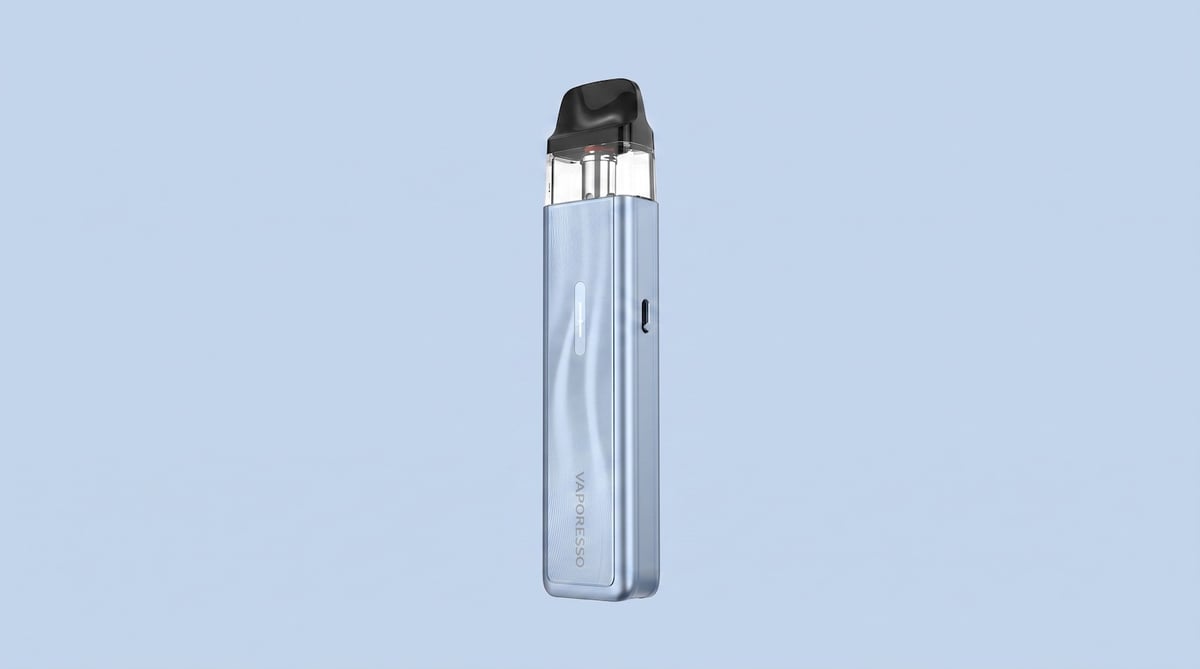
XROS 5 Mini
 Written by Vape & E-Liquid Team
 Last updated
A compact, auto-draw pod kit built for MTL and restricted DTL vaping, suited to nic salt users who want strong battery life and XROS pod compatibility in a slim, pocketable device.
Buy this device
XROS 5 Mini
£14.99 In stock 14 options
Free next-day delivery over £35. Order by 4pm, seven days a week.
Shop these too
Consumables and accessories that fit the XROS 5 Mini.
Set up guide & tips
What's in the box
Your XROS 5 Mini arrives with the device, one pre-installed pod (0.6Ω or 0.8Ω depending on which version you have), a Type-C charging cable, a reminder card and a user manual with warranty card.
Filling the pod
- Grip the mouthpiece firmly and snap it off, it pulls away cleanly with a little thumb pressure.
- Squeeze your e-liquid into the filling hole (3.5mm diameter). Do not overfill.
- Press the mouthpiece back down until it clicks shut firmly.
- If this is the first fill on a new pod, wait 5 minutes before vaping. This gives the coil cotton time to fully saturate and prevents dry hits.
After the first fill you can usually vape within a minute or two on subsequent refills, but err on the side of patience with a fresh pod.
Choosing the right e-liquid
The XROS 5 Mini is available in two versions that affect which e-liquids make the most sense.
UK TPD 2ml version (0.8Ω pod): This version ships with a 2ml pod and is the one you'll find at most UK retailers. With a 0.8Ω coil running at a moderate wattage, this is firmly in MTL territory. Nic salts at 10mg or 20mg in a 50/50 or 60/40 VG/PG ratio are the ideal match. The thinner consistency feeds the coil efficiently and extends pod life. High-VG 70/30 shortfills will work but will shorten coil longevity and can cause wicking issues.
3ml version (0.6Ω or 0.8Ω pod): The 0.6Ω pod opens up a slightly more restricted DTL style with more vapour production. Nic salts at 10mg or 20mg still suit this well. If you prefer freebase nicotine, 3mg or 6mg in a 50/50 to 60/40 ratio works cleanly. Avoid anything above 70% VG in this setup.
Airflow and power settings
The XROS 5 Mini has a side-mounted airflow slider. Slide it to tighten the draw for a cigarette-style MTL hit, or open it up for a looser, more restricted DTL pull. The device runs on Smart Mode, which auto-adjusts wattage to suit the pod resistance. There is no screen or manual wattage selection on the Mini, so the setup process really is just fill, prime and vape.
Charging
Plug in via the Type-C port. The LED indicators show charging progress as they cycle from 1 to 4 lights. All four lights staying solid means the battery is fully charged. Charging at 2A means the 1500mAh battery tops up quickly, and the device supports pass-through vaping while on charge.
Specifications
| Specification | Value |
|---|---|
| Size | 106.0 x 24.2 x 14.1mm (UK TPD Version) |
| Capacity | 2ml (UK TPD Version) |
| Output Power | Smart Mode auto-wattage, adjustable |
| Battery Type | Internal 1500mAh |
| Charging | Type-C, 2A |
| Resistance Range | 0.6Ω / 0.8Ω |
Compare the XROS 5 Mini with…
Specs side by side, live prices and a plain answer on which one suits you.
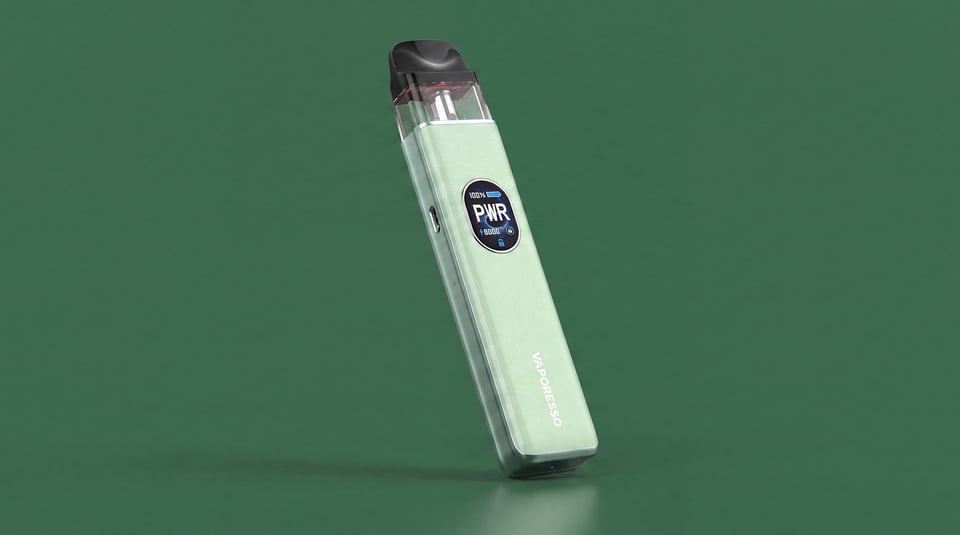
Vaporesso
XROS 5 Mini vs XROS 5
Compare side by side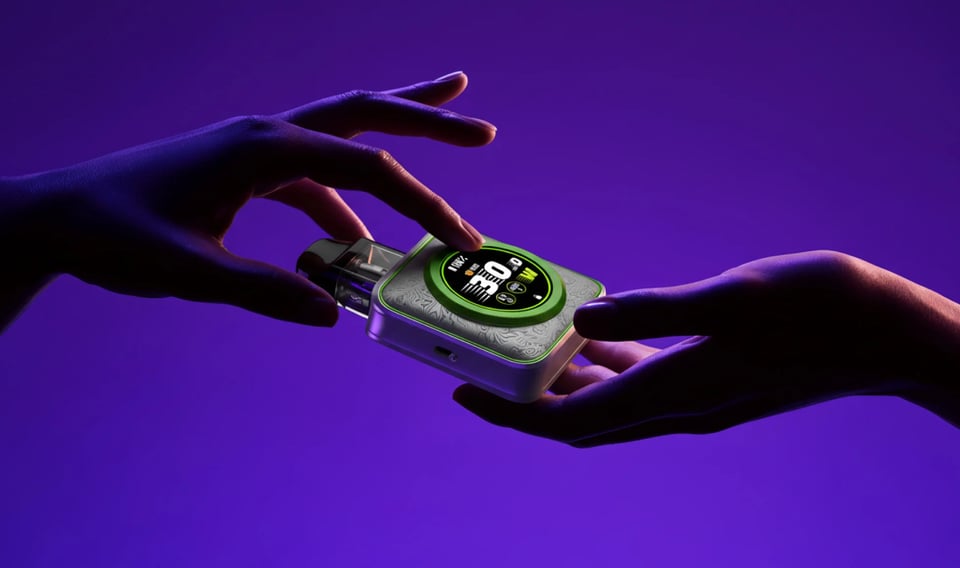
Vaporesso
XROS 5 Mini vs XROS 5 Nano
Compare side by side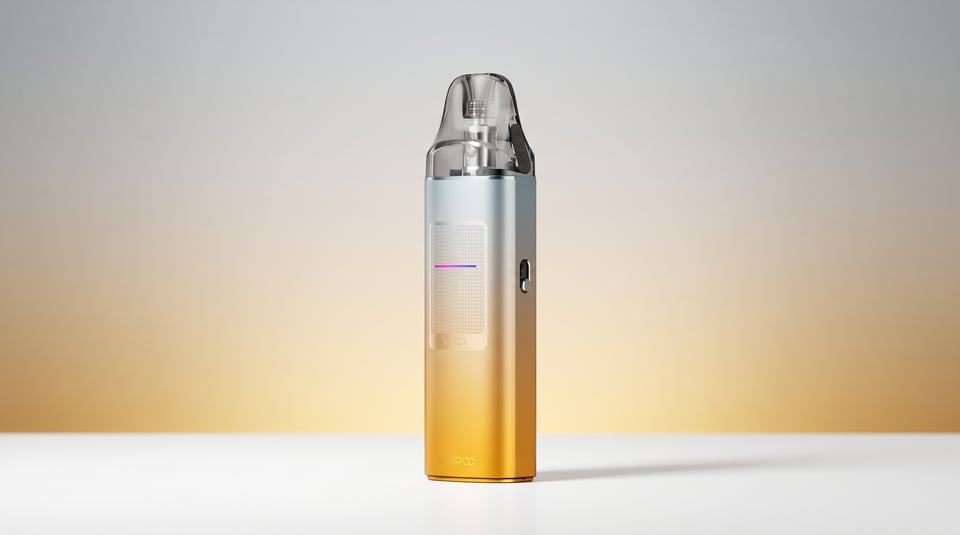
VooPoo
XROS 5 Mini vs Vinci S
Compare side by sideUser manual
Open the official XROS 5 Mini manual (PDF) in a new tab.
Download the manualTroubleshooting
- All four lights stay on then go off after ten minutes whilst charging Whilst charging, all four LED indicator lights illuminate and stay on, then go out completely after roughly ten minutes. The device has triggered its built-in over-charging protection.
- Four lights flash 2 times and the device stops working All four LED indicators flash together twice and the device shuts off and refuses to fire. This is the low voltage or over-discharging warning, meaning the battery has dropped too low to operate safely.
- Four lights flash 3 times and the device stops working All four LED indicators flash together three times and the device cuts out. This is the built-in high-temperature protection activating to prevent damage.
- Four lights flash 4 times and the device stops working All four LED lights flash together 4 times and the device cuts out. This can happen mid-vape or when you try to fire the device.
- Four Lights Flash 5 Times and Device Stops Working All four LED lights flash together five times in quick succession and the XROS 5 Mini stops firing. This is the device's built-in protection responding to a low resistance or short-circuit reading at the pod connection.
- No lights come on and the device does nothing You press the button or draw on the device and nothing happens at all. No LEDs light up, no vibration, no vapour.
Frequently asked questions
What colours does the XROS 5 Mini come in?
The XROS 5 Mini is available in a wide range of finishes including Black, Purple, Sky Blue, Titanium Silver, Pastel Crystal, Mist Black, Mist White, Retro Orange, Retro Pink, Rose Red, Flowing Blue, Flowing Green, Flowing Pink, Carbon Black, Cool Black and Cool Pink. Availability varies by retailer, so check current stock for which colourways are listed.
Why is my XROS 5 Mini not working or has stopped working?
Check the LED blink pattern first. Four lights flashing 5 times indicates a short-circuit or low resistance issue. Four flashes 3 times means the device has overheated. Four flashes 4 times points to no pod detected or high resistance. Four flashes 2 times signals low voltage. Remove and reseat the pod, then try again. If the problem persists, try a different pod.
Why is my XROS 5 Mini not charging?
Check the Type-C cable and port for debris or damage. The LED should cycle from 1 to 4 lights during charging. If all four lights illuminate and then go out after ten minutes, the device has detected an overcharge event and stopped automatically. Use the cable supplied or a quality replacement, and avoid charging from high-output USB adaptors above 2A.
What pods are compatible with the XROS 5 Mini?
The XROS 5 Mini is compatible with the full XROS pod range, including Corex 2.0 and Corex 3.0 pods. Available resistances include 0.4Ω, 0.6Ω, 0.8Ω, 1.0Ω and 1.2Ω. All XROS pods from earlier generations also fit. The UK TPD version ships with a 2ml pod capacity; pods purchased separately may be 3ml but only hold 2ml when used with the TPD-compliant device in the UK context.
How does the XROS 5 Mini compare to the XROS 4 Mini?
The headline upgrade is the battery. The XROS 5 Mini runs a 1500mAh cell, a meaningful step up from earlier Mini generations. It also gains Corex 3.0 pod compatibility and retains the same slim, aluminium build and XROS pod ecosystem. If you are happy with your XROS 4 Mini day to day, the 5 Mini is an incremental improvement rather than a ground-up redesign, but the battery gain is real and noticeable.
What are the airflow settings on the XROS 5 Mini?
The XROS 5 Mini uses a side-mounted slider to adjust airflow continuously between tight MTL and restricted DTL. There are no fixed click stops, just a smooth slide. Push it towards closed for a tight, cigarette-style draw. Open it up for a looser, more airey restricted DTL pull. Pairing the 0.8Ω pod with a tighter airflow setting gives the most cigarette-like experience.
More from Vaporesso
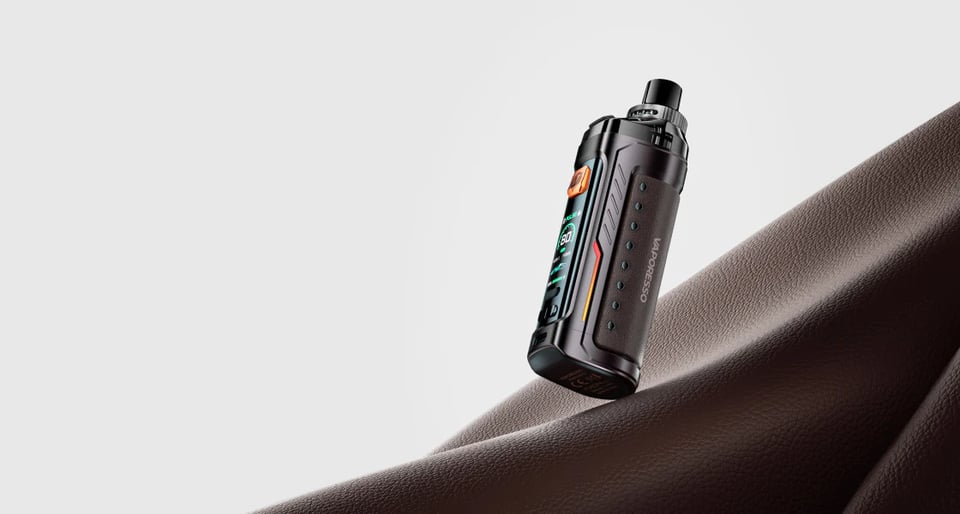
Device guide
Armour G
Setup guide & manual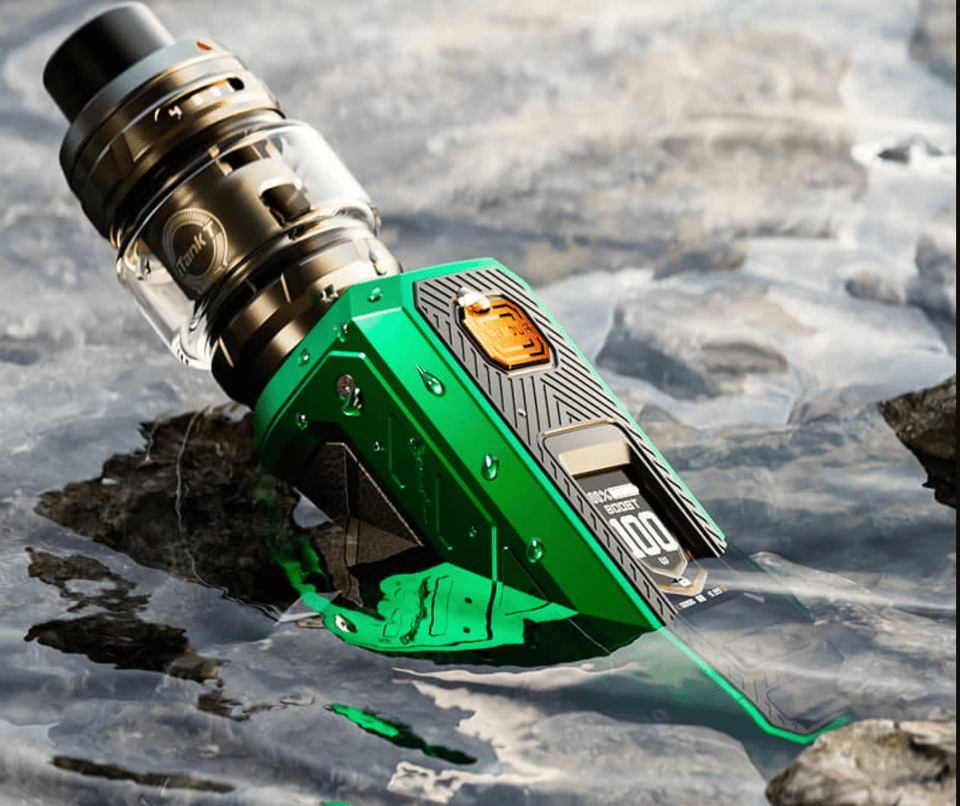
Device guide
Armour Ultra
Setup guide & manual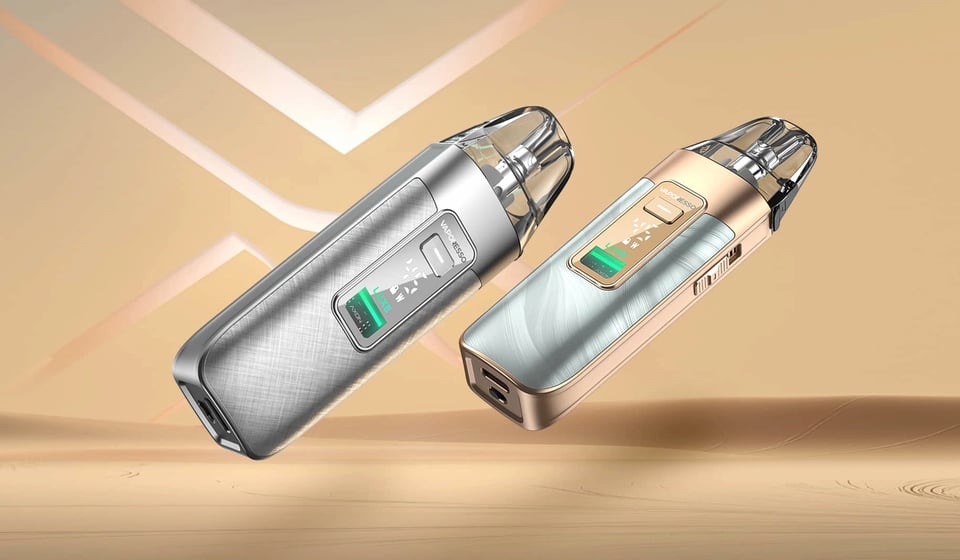
Device guide
Luxe X3
Setup guide & manual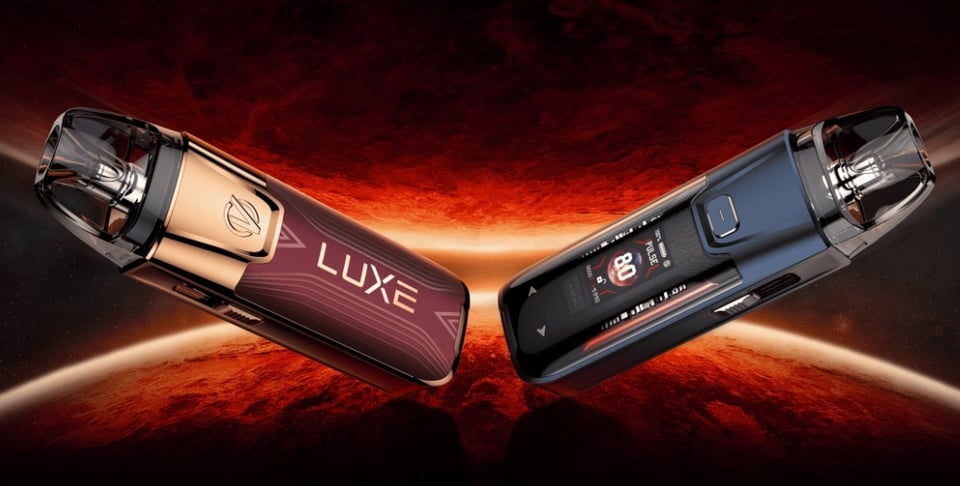
Device guide
Luxe XR Max 2
Setup guide & manual
Device guide
Vaporesso Armour OCTA
Setup guide & manual
Device guide