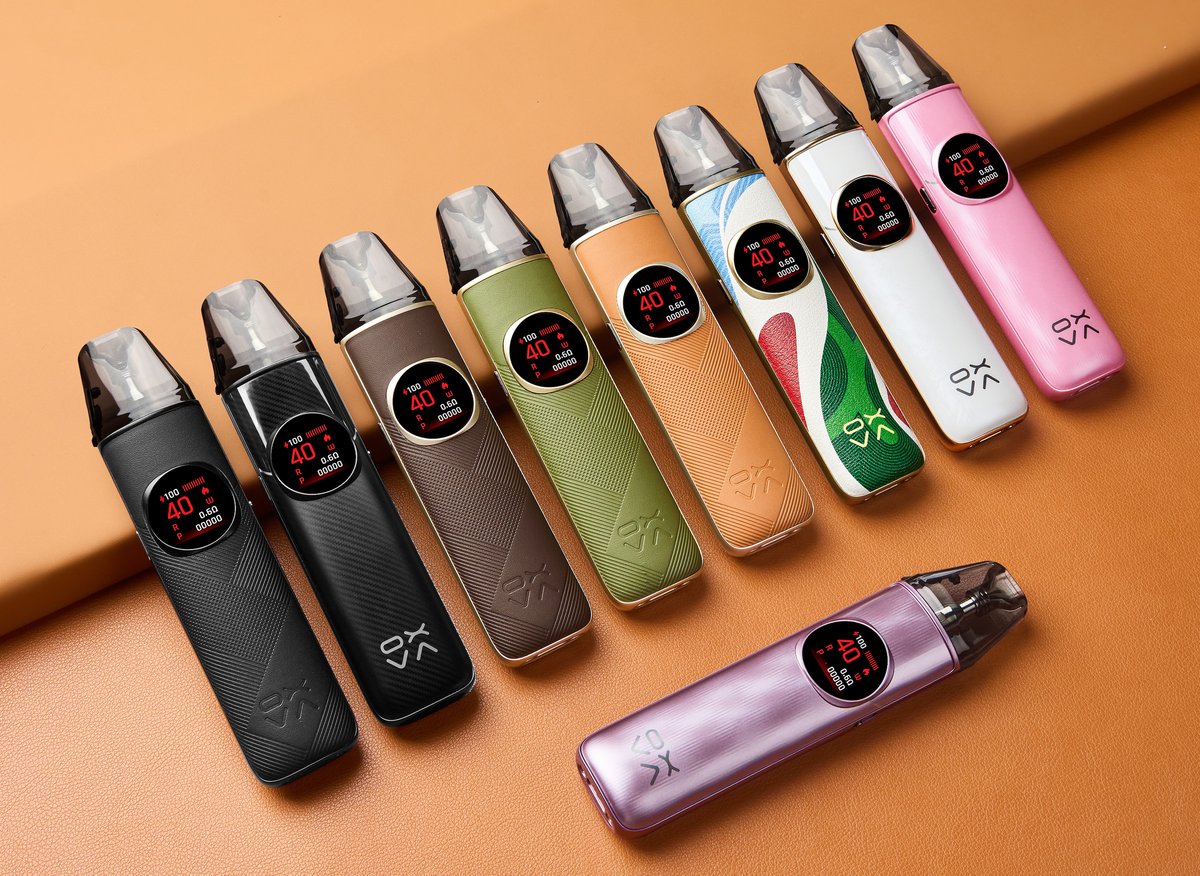
NeXLIM 2
 Written by Vape & E-Liquid Team
 Last updated
A flagship refillable pod kit running 5 to 40W through a dual mesh coil system, suited to MTL and restricted DTL vapers who want a proper colour screen and all-day battery life.
Buy this device
NeXLIM 2
Free next-day delivery over £35. Order by 4pm, seven days a week.
Shop these too
Consumables and accessories that fit the NeXLIM 2.
Set up guide & tips
What's in the box
The kit ships with the NeXLIM 2 device, a 0.6Ω pod (pre-installed), a 0.8Ω pod (spare), a USB-C cable, and a user manual. UK units include 2ml TPD-compliant pods; 4ml pods are available separately if you are outside the UK.
OXVA NeXLIM 2 unboxing video:
Filling your pod
The NeXLIM 2 pods are top-fill. Remove the pod from the device, locate the silicone fill port on the top, and use your bottle nozzle to fill carefully without overfilling.
After filling a brand new pod, wait at least 5 to 8 minutes before vaping. This gives the dual mesh coil time to fully saturate. Skipping this step is the single most common cause of a burnt or harsh first hit, so do not rush it.
Which e-liquid to use
Coil resistance is the main guide here:
- 0.6Ω pod (20 to 40W): Designed for restricted DTL and RDL use. Use a higher-VG liquid, 50/50 up to 70VG/30PG, at 3mg or 6mg freebase nicotine. Nic salts work too, but it will be strong.
- 0.8Ω pod (16 to 30W): A good middle ground, comfortable for both MTL and RDL. 50/50 liquids work well here. Nic salts at 10 to 20mg/ml are a popular choice.
- 1.2Ω pod (13 to 22W): Pure MTL. This is where nic salts at 10 to 20mg/ml are perfect, delivering a smooth, cigarette-like draw without harshness.
Adjusting wattage and modes
Triple-click the fire button to cycle through wattage settings. Double-click to toggle between Eco Mode (lower power, better battery economy) and Boost Mode (higher output, fuller vapour). The 0.85-inch colour display shows your current wattage, mode, battery level, and puff count clearly. Airflow is adjusted via the side slider, so dial it open for a looser draw or close it down for a tighter MTL feel.
Charging
Charge via the USB-C port at the bottom of the device (5V/3A). The 2000mAh battery charges quickly at 3 amps, making it one of the faster-charging pod kits in this class. A full charge from flat should take under an hour under the right conditions.
LED and display alerts
| Display message | What it means |
|---|---|
| BATTERY LOW | Charge the device before continuing |
| NO POD | Pod is not seated correctly, remove and reinsert firmly |
| SHORT | Short circuit detected, check the pod contacts and try a different pod |
| TIMEOUT | You have fired continuously for over 8 seconds, release and retry |
| TEMP HIGH | The device is too warm, set it down and let it cool before vaping again |
Specifications
| Specification | Value |
|---|---|
| Size | 127.5 x 28.5 x 17.5mm |
| Capacity | 4ml/2ml(TPD) |
| Output Power | 5-40W adjustable |
| Output Voltage | 3.2~4.2V |
| Battery Type | Built-in 2000mAh |
| Charging | Type-C 5V/3A |
| Resistance Range | 0.6Ω, 0.8Ω, 1.2Ω |
Compare the NeXLIM 2 with…
Specs side by side, live prices and a plain answer on which one suits you.

OXVA
NeXLIM 2 vs NeXLIM 2 Mini
Compare side by side
Vaporesso
NeXLIM 2 vs XROS 5
Compare side by side
VooPoo
NeXLIM 2 vs Vinci S
Compare side by sideWritten comparisons
Our in-depth head-to-heads, with a verdict, category winners and FAQs.
User manual
Open the official NeXLIM 2 manual (PDF) in a new tab.
Download the manualTroubleshooting
- Device not turning on You press the fire button and nothing happens. The device shows no lights and produces no vapour.
- Screen shows 'NO POD' or device not detecting the pod The screen displays 'NO POD' and the device will not fire. The pod is physically seated in the device but is not being recognised.
- Screen shows 'SHORT' or short circuit warning The screen displays 'SHORT' and the device stops firing. This is the built-in short circuit protection cutting in to keep you safe.
- Screen shows 'TEMP HIGH' or device feels hot The screen displays 'TEMP HIGH' and the device stops firing or feels warm to the touch. This is a built-in safety protection triggered when the internal circuit board temperature gets too high.
- Screen shows 'TIMEOUT' and device stops firing The screen displays 'TIMEOUT' and the device stops producing vapour mid-puff. This happens when a single puff runs longer than 8 seconds.
Frequently asked questions
What is the OXVA NeXLIM 2 and who is it for?
The NeXLIM 2 is OXVA's flagship pod kit, running 5 to 40W with a 2000mAh built-in battery, a colour screen, and dual mesh UNITECH 3.0 pods. It suits vapers who want flexibility between MTL and RDL styles without carrying a full box mod.
How does the NeXLIM 2 compare to the NeXLIM 2 Mini?
The NeXLIM 2 has a 2000mAh battery, 40W max output, a 0.85-inch colour display, and Super Pulse technology. The Mini runs to 30W, has a 1500mAh battery, and uses an RGB indicator rather than a screen. The 2 is the better choice if battery life and screen feedback matter to you.
What pods are compatible with the NeXLIM 2?
The NeXLIM 2 uses OXVA NeXLIM pods in 0.6Ω, 0.8Ω, and 1.2Ω resistances. UK pods hold 2ml in line with TPD regulations. These pods feature built-in dual mesh coils and are not interchangeable with older OXVA Xlim or Xlim SE pods.
What colours does the NeXLIM 2 come in?
Confirmed colourways include Black Warrior, Mocha Brown Leather, Bright Brown Leather, Black Leather, Green Leather, Pearly White, Shiny Purple, Shiny Pink, and Color Clash. Many feature a textured TPU leather-effect grip panel, which gives the device a noticeably premium feel in hand.
Why does my NeXLIM 2 show NO POD or give a weak hit?
NO POD means the device cannot detect the pod. Remove it, check the contacts on both the pod and device for liquid residue, wipe clean, and reseat firmly. A weak hit on a new pod usually means the coil has not primed fully. Fill the pod and wait at least 5 to 8 minutes before vaping.
More from OXVA
Device guide
NeXLIM 2 Mini
Setup guide & manual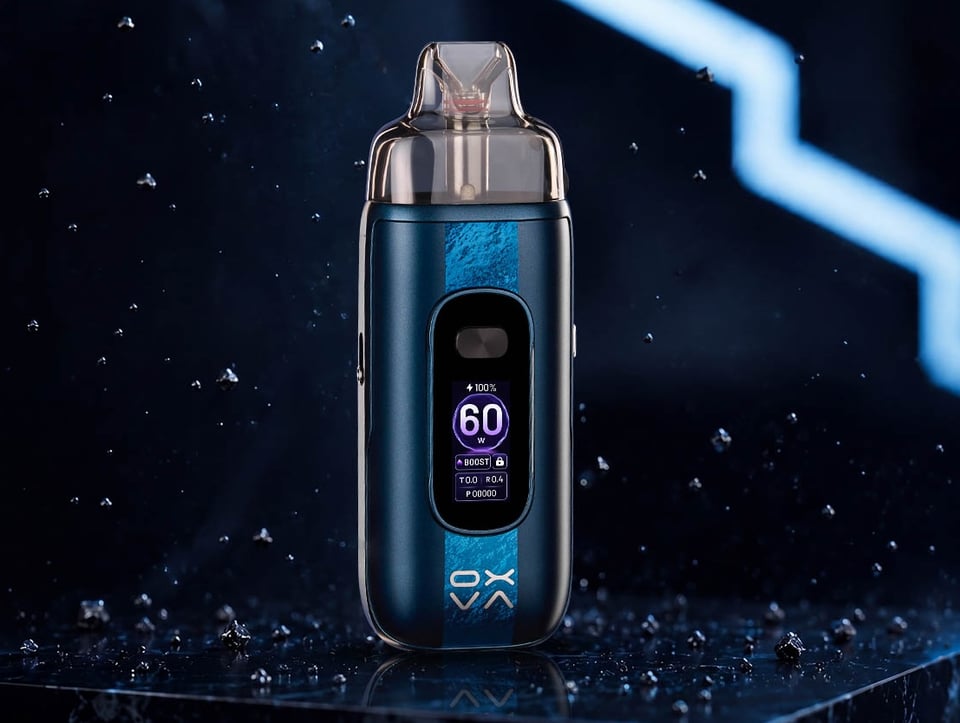
Device guide
OXVA VPrime 2
Setup guide & manual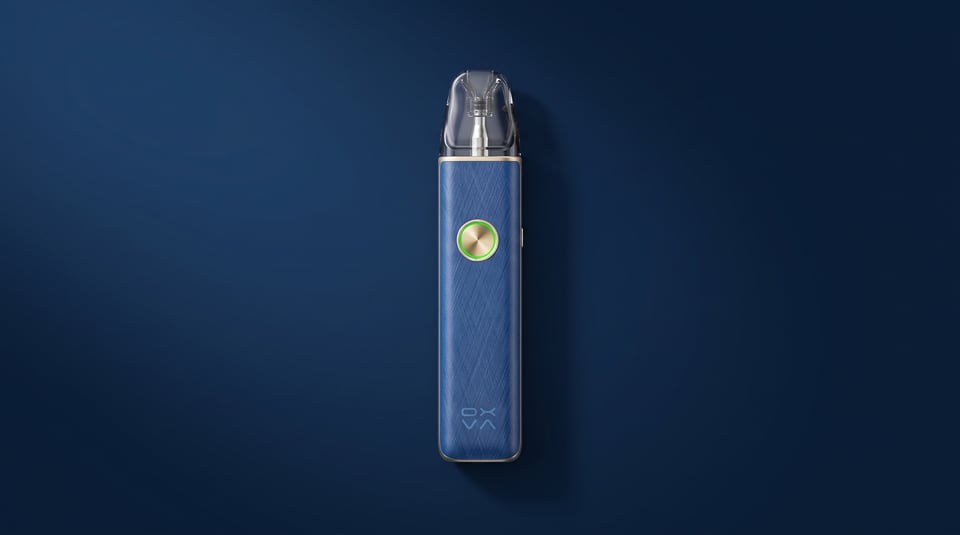
Device guide
OXVA XLIM 4
Setup guide & manual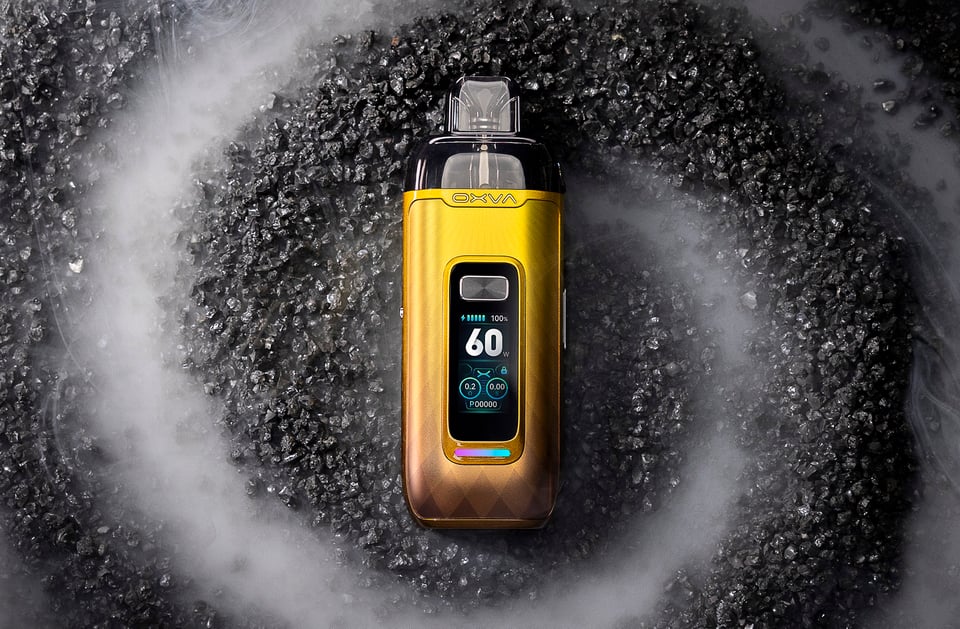
Device guide
VPrime Pod Kit
Setup guide & manual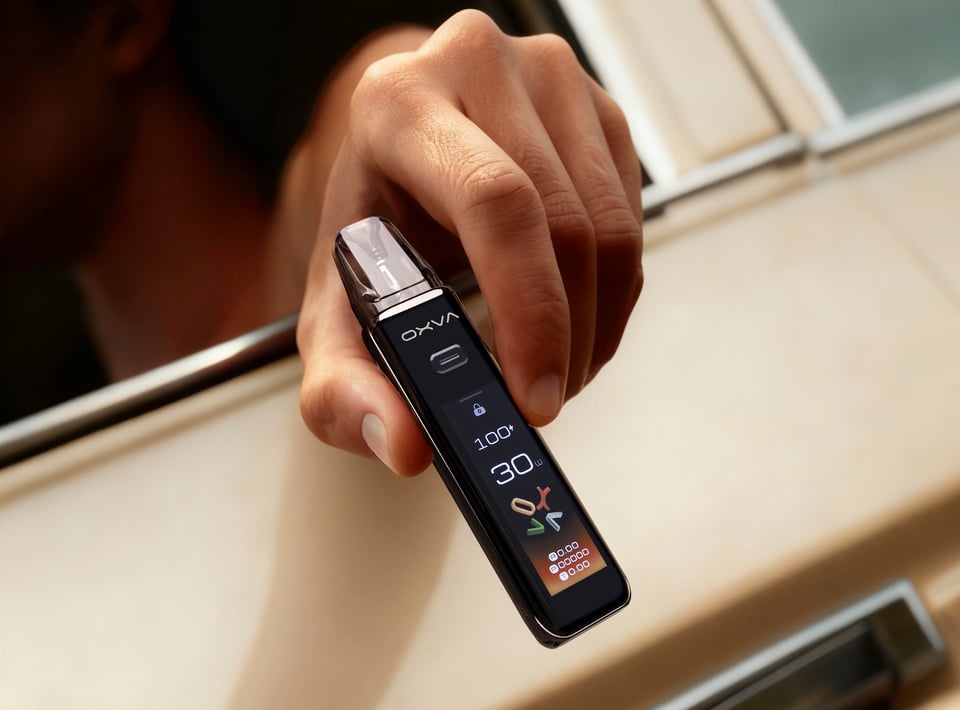
Device guide
Xlim 3 Ultra
Setup guide & manual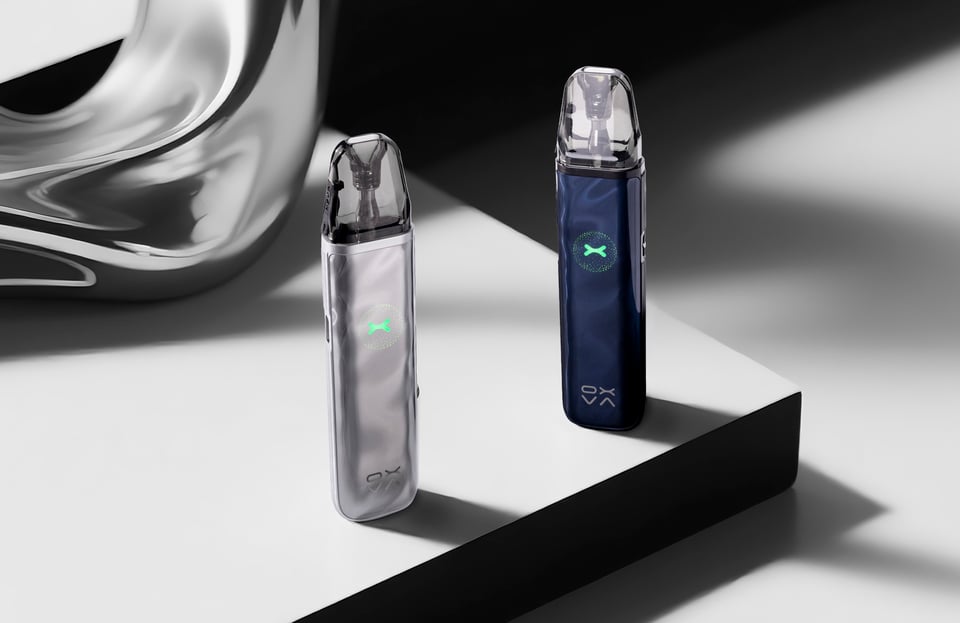
Device guide