Xlim 3 Ultra
 Written by Vape & E-Liquid Team
 Last updated
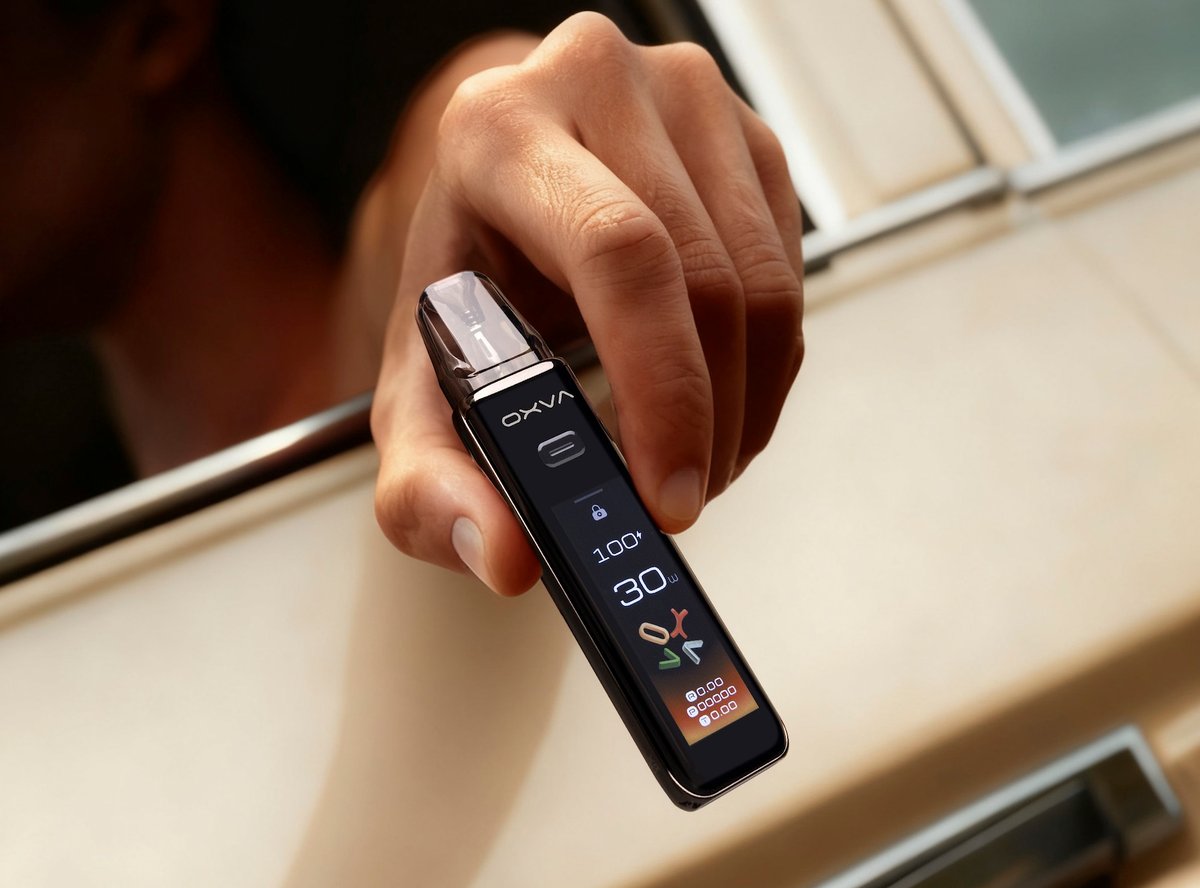
A touchscreen pod kit built around OXVA's Super Pulse system, suited to vapers who want consistent flavour from a full charge down to the last puff.
Buy this device
Xlim 3 Ultra
£22.49 In stock 8 options
Free next-day delivery over £35. Order by 4pm, seven days a week.
Shop these too
Consumables and accessories that fit the Xlim 3 Ultra.
Set up guide & tips
What's in the box
Your kit arrives with two pods pre-loaded into the packaging: a 0.6Ω Xlim V3 Top Fill cartridge already installed in the device, and a spare 0.8Ω cartridge. You also get a USB-C cable and a user manual.
Filling the pod
The Xlim 3 Ultra uses a side fill port. Remove the pod from the device, locate the silicone-sealed fill port on the side of the cartridge, and insert your nozzle. Fill slowly to avoid trapping air bubbles. Replace the stopper firmly, then reinsert the pod.
After filling, wait at least 3 to 5 minutes before vaping. This gives the coil's wicking material time to fully saturate. Skipping this step is the most common cause of dry, burnt first puffs.
Which e-liquid to use
The two coils included cover different styles:
- 0.6Ω coil (pre-installed): Sits in a restricted direct-to-lung or airy MTL zone. Works well with 3mg to 6mg freebase in a 50/50 or 70VG blend. If you want nic salts, keep the strength at 10mg or below to avoid an overpowering throat hit at this resistance.
- 0.8Ω coil (spare): Better suited to a tighter MTL draw. Nic salts at 10mg to 20mg work well here, as does freebase at 3mg to 12mg. A 50/50 ratio is fine; higher VG liquids will wick more slowly, so allow a longer prime time.
Both pods are TPD-compliant at 2ml capacity, which is the UK legal limit for refillable pods. If you need more e-liquid between fills, OXVA also makes Xlim V3 and Xlim EZ compatible cartridges, though only the 2ml variants are TPD compliant for UK use.
Powering on and adjusting wattage
Five clicks of the fire button powers the device on or off. The 2.2-inch touchscreen controls everything else. Swipe right on the home screen to adjust wattage. The device automatically limits the maximum output based on the coil resistance you have installed, so you cannot accidentally over-drive a pod. Auto-draw is active by default; you do not need to press the button to vape.
The Super Pulse mode maintains consistent output right down to 1% battery, so the flavour and warmth of your vape stays stable throughout the charge rather than gradually tapering off as most pod kits do.
LED indicators
| Blink pattern | Meaning |
|---|---|
| White light flashes 15 times | Low battery, charge soon |
| Red light flashes 15 times | Short circuit detected, check pod seating |
| White light flashes 3 times | Device powering on or off |
Specifications
| Specification | Value |
|---|---|
| Size | 121.9 × 28.9 × 16.5mm |
| Capacity | 2ml |
| Output Power | 5-30W |
| Output Voltage | 3.2-4.2V |
| Battery Type | Type-C |
| Charging | 5V/1A |
| Resistance Range | 0.4-3.0Ω |
Compare the Xlim 3 Ultra with…
Specs side by side, live prices and a plain answer on which one suits you.
OXVA
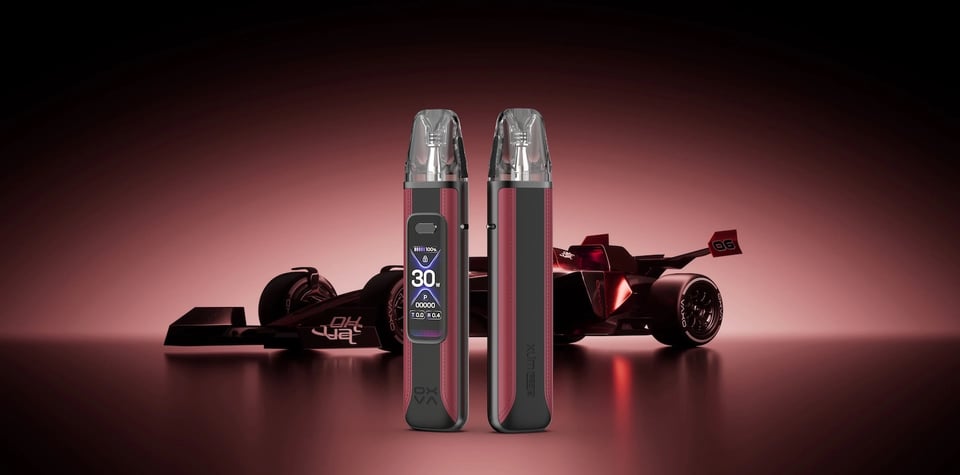
Xlim 3 Ultra vs Xlim Pro 3
Compare side by side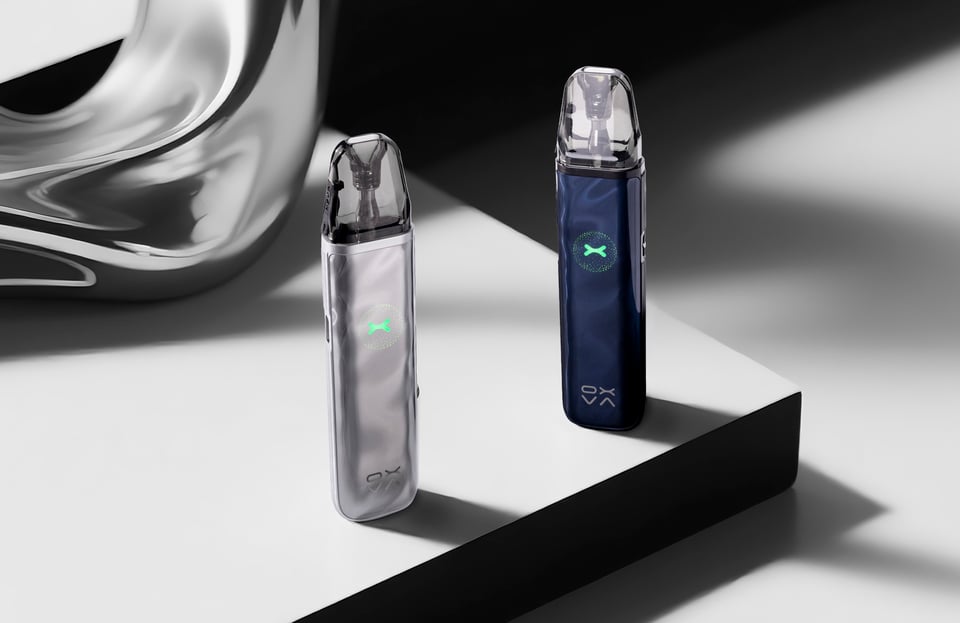
OXVA
Xlim 3 Ultra vs Xlim Go 2
Compare side by side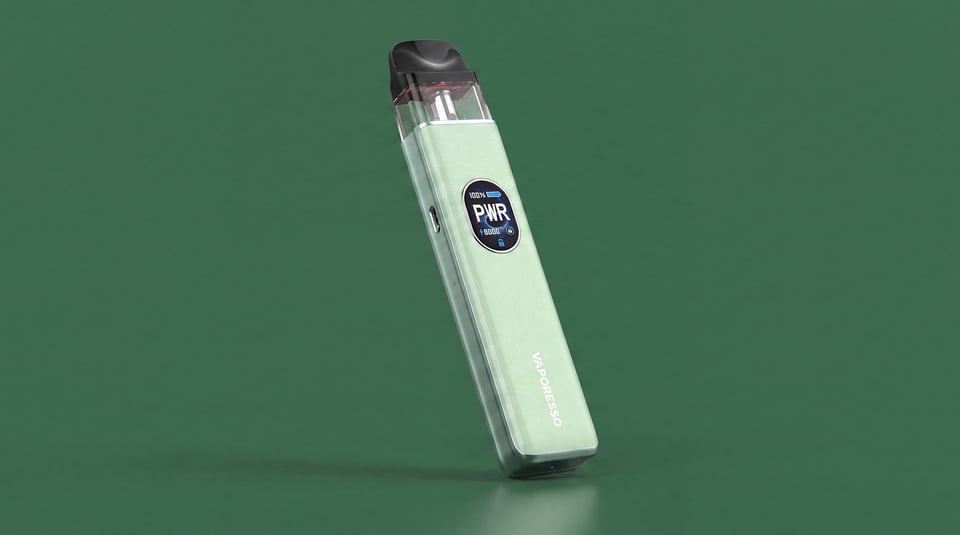
Vaporesso
Xlim 3 Ultra vs XROS 5
Compare side by sideUser manual
Open the official Xlim 3 Ultra manual (PDF) in a new tab.
Download the manualTroubleshooting
- LED flashes 5 times and device stops firing You press the fire button and the LED flashes 5 times in quick succession, then the device stops firing. This is the built-in short circuit protection cutting in.
- LED flashes 8 times and device cuts out mid-puff The LED flashes 8 times and the device stops firing while you are still drawing or holding the fire button. This happens mid-puff rather than at startup.
- Not charging or unsure what the charging light means The device does not appear to charge when plugged in, or you are unsure whether the LED indicator means it is charging or fully charged.
Frequently asked questions
Which pods and coils are compatible with the Xlim 3 Ultra?
The Xlim 3 Ultra is compatible with the Xlim V3 Top Fill and Xlim EZ cartridge pod series. The kit ships with 0.6Ω and 0.8Ω coils. The device accepts coils in the 0.4 to 3.0Ω resistance range, so there is a wide spread of options from airy MTL to more open vapes.
What colours does the OXVA Xlim 3 Ultra come in?
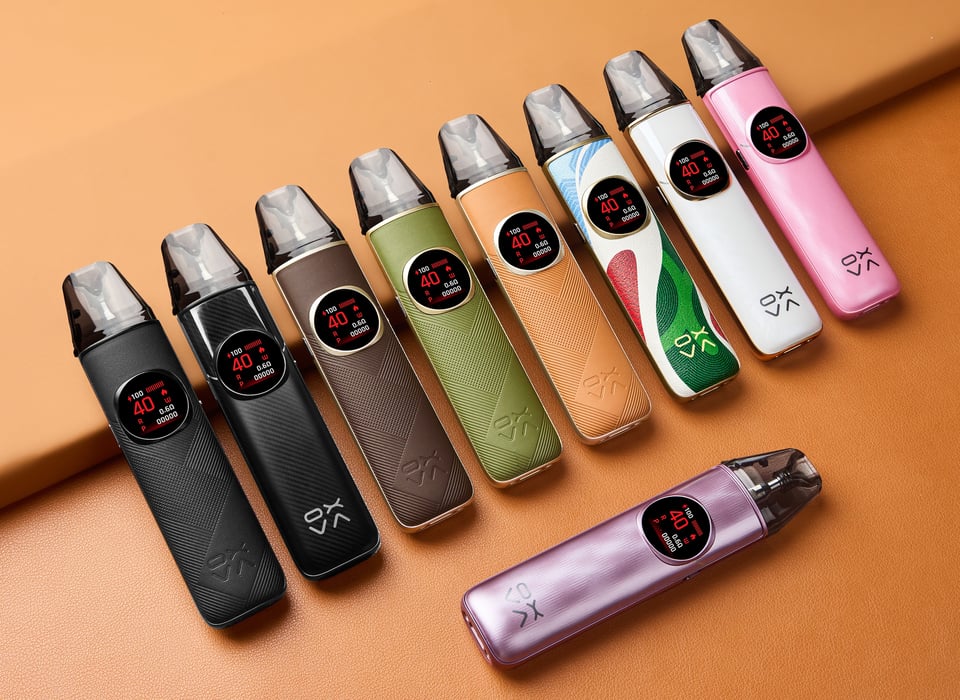
The Xlim 3 Ultra is available in eight colours: Ultra Carbon, Mocha Brown, Midnight Black, Bordeaux Red, Metal Gray, Metal Silver, Cherry Pink, and Mint Green. The metal frame and PCTG panel combination means the finish holds up well in daily carry.
What is the Xlim 3 Ultra's Super Pulse system?
Super Pulse is OXVA's power-management system that compensates for battery voltage drop as the charge depletes. Most pod kits deliver noticeably less warmth and flavour below 50% battery. Super Pulse keeps output consistent all the way down to 1%, which means the last puff tastes the same as the first.
How does the Xlim 3 Ultra compare to the Xlim Pro 3?
Both are 1500mAh devices from the same release, but the Ultra uses a full touchscreen with gesture controls, 3D vaping animations, and the Super Pulse system. The Pro 3 uses physical buttons and a more traditional display. The Ultra is the more feature-heavy option; the Pro 3 is a bit more straightforward to navigate.
When was the OXVA Xlim 3 Ultra released?
The Xlim 3 Ultra launched in 2025 as part of OXVA's sixth-anniversary range. It arrived in the UK market shortly after the global announcement, with retail availability picking up through mid-2025.
More from OXVA
Device guide
NeXLIM 2
Setup guide & manual
Device guide
NeXLIM 2 Mini
Setup guide & manual
Device guide
OXVA VPrime 2
Setup guide & manual
Device guide
OXVA XLIM 4
Setup guide & manual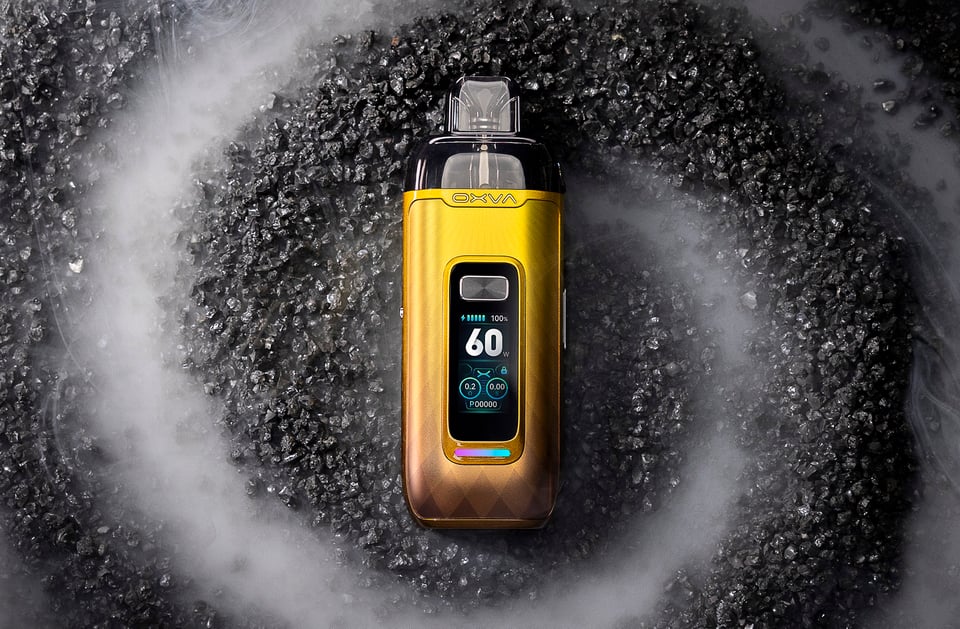
Device guide
VPrime Pod Kit
Setup guide & manual Device guide