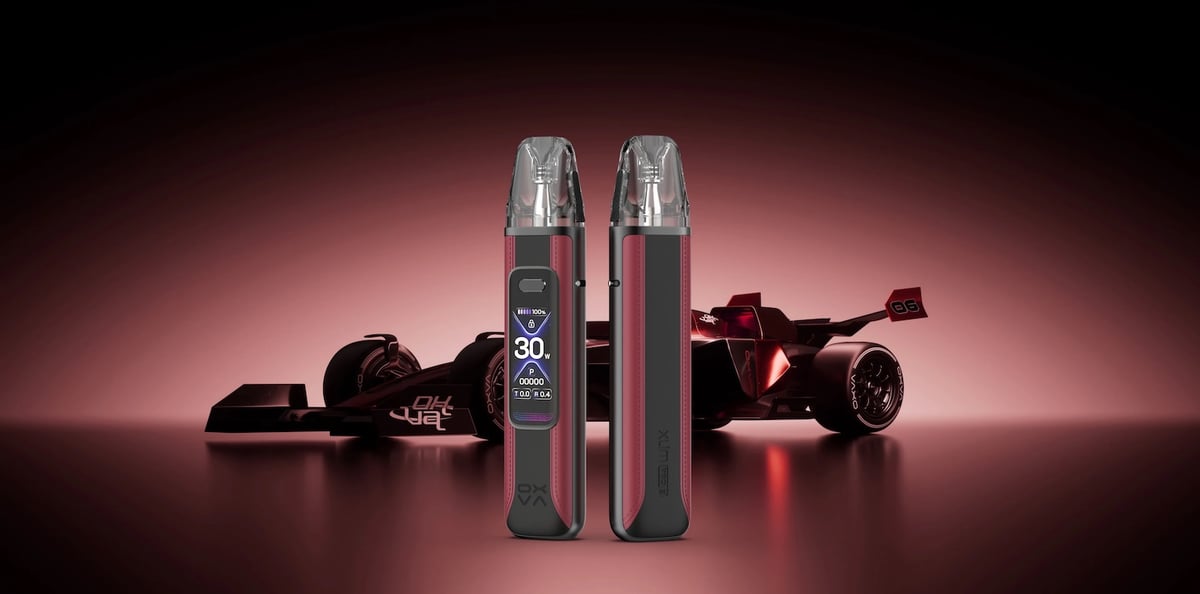
Xlim Pro 3
 Written by Vape & E-Liquid Team
 Last updated
A refillable pod kit built for vapers who want flagship performance in a pocketable form, pairing a 1500mAh battery and 30W output with OXVA's new Pulse System for consistent flavour from first draw to last.
Buy this device
Xlim Pro 3
£19.49 In stock 15 options
Free next-day delivery over £35. Order by 4pm, seven days a week.
Shop these too
Consumables and accessories that fit the Xlim Pro 3.
Set up guide & tips
First use
Press the fire button five times quickly to power the device on. The 1.05-inch HD colour screen will light up showing battery level, wattage, resistance, and puff count. If you want to adjust wattage manually, three quick clicks cycles through the power settings. The device will also auto-detect the pod resistance when you snap a pod in and suggest an appropriate output, which is a useful safety net if you prefer a hands-off setup.
OXVA XLIM Pro 3 unboxing video:
Priming and filling the pod
The Xlim Pro 3 uses XLIM V3 pods with a top-fill design. Before filling a fresh pod, remove the pod from the device and peel the protective sticker from the base. Then:
- Open the top-fill port by sliding or unplugging the fill toggle.
- Fill with your chosen e-liquid, leaving a small air gap at the top.
- Close the fill port firmly.
- Reinsert the pod into the device.
- Leave it to sit for at least 5 to 10 minutes before taking your first draw. This allows the e-liquid to saturate the coil fully and avoids a dry, burnt hit.
Skipping coil priming is the most common cause of premature coil failure on this kit. It is worth the wait.
Coil and wattage pairing
The two included pods are suited to different styles. Use the wattage ranges below as your starting point:
- 0.4ohm pod: 26 to 30W, RDL to DTL draw
- 0.6ohm pod: 20 to 25W, relaxed RDL draw
- 0.8ohm pod: 12 to 18W, restricted MTL draw
- 1.2ohm pod: 10 to 12W, tight MTL draw
The 0.4ohm and 0.6ohm pods work well with higher-VG shortfill e-liquids (70VG/30PG or above), where you want more vapour and a softer throat hit. For MTL vaping with the 0.8ohm or 1.2ohm pods, a 50/50 nicotine salt e-liquid at 10mg or 20mg will give you a tighter, more cigarette-like draw and better flavour clarity. Nic salts sit within UK TPD limits at up to 20mg/ml in a maximum 10ml bottle, so they are the right format for this style of vaping.
Airflow adjustment
The Xlim Pro 3 has a side airflow control dial. Turn it towards closed for a tighter, more restricted MTL pull, or open it up for an airier RDL inhale. It is worth pairing your airflow setting with the right coil resistance rather than trying to compensate for one with the other.
Charging
Charge via the USB-C port using the supplied cable or any USB-C 5V/2A charger. OXVA quotes around 30 minutes to reach 80% charge from low, which is genuinely quick for a pod kit of this size.
How to use the OXVA XLIM Pro 3 video:
Specifications
| Specification | Value |
|---|---|
| Size | 119.9 x 25.7 x 15mm |
| Capacity | 2ml (TPD) |
| Output Power | Up to 30W |
| Battery Type | 1500 mAh |
| Charging | USB Type-C 5V/2A port |
| Resistance Range | 0.4 - 1.2Ω |
Compare the Xlim Pro 3 with…
Specs side by side, live prices and a plain answer on which one suits you.
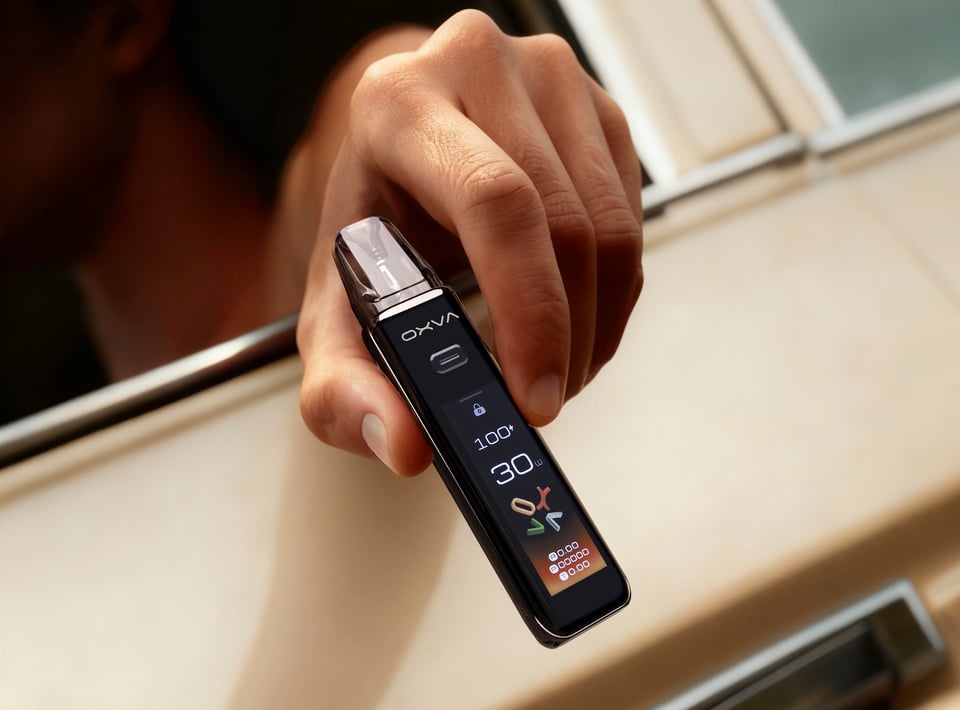
OXVA
Xlim Pro 3 vs Xlim 3 Ultra
Compare side by side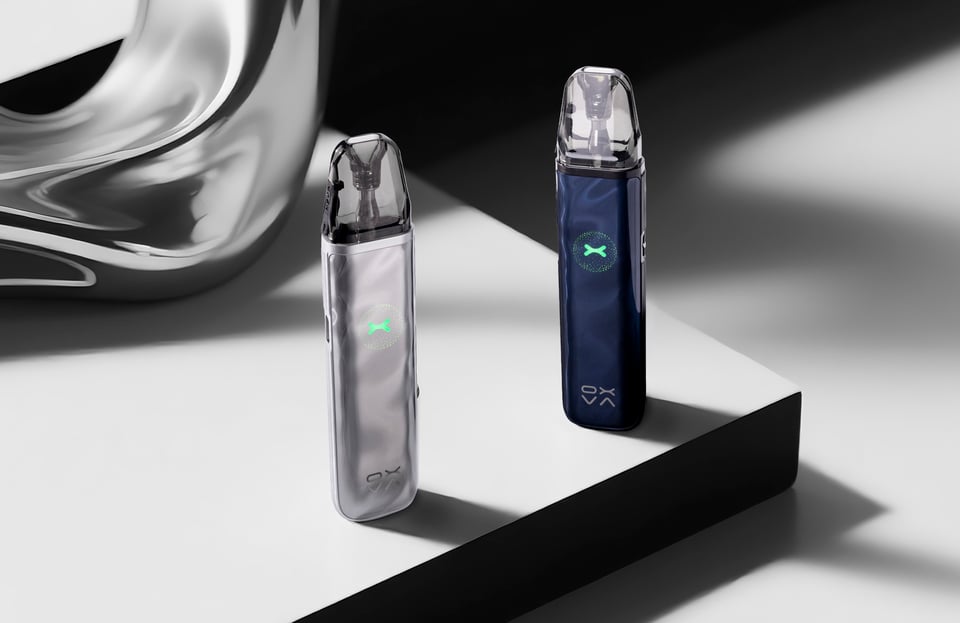
OXVA
Xlim Pro 3 vs Xlim Go 2
Compare side by side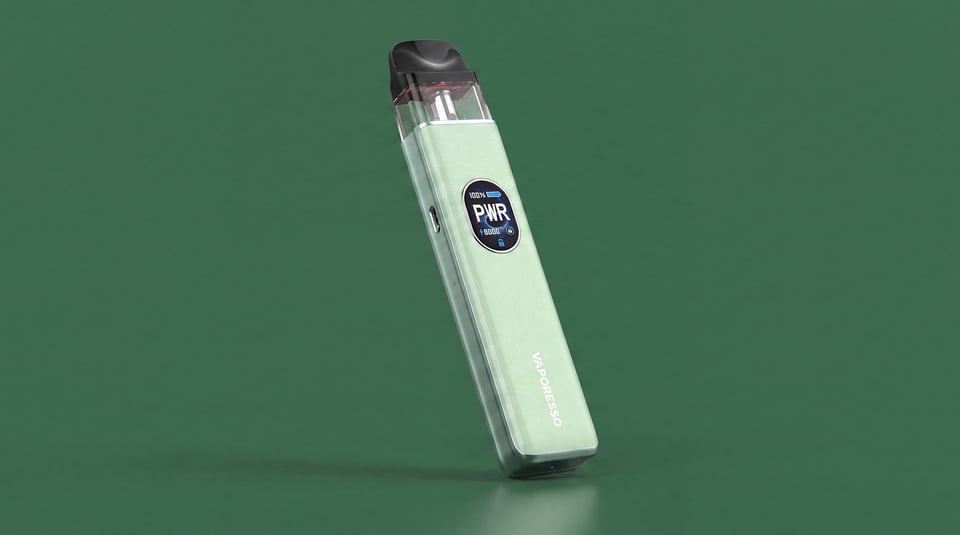
Vaporesso
Xlim Pro 3 vs XROS 5
Compare side by sideUser manual
Open the official Xlim Pro 3 manual (PDF) in a new tab.
Download the manualTroubleshooting
- Auto draw not working when inhaling You inhale on the pod and nothing happens, with no vapour produced and no indicator light activating. The button fire may still work, but the automatic draw detection is not responding.
- Device shows 'NO ATOMIZER' The device displays a 'no atomiser' or connection error message when you try to vape. The device is not recognising the pod or coil.
- Device shows 'TEMP HIGH' The device displays a high temperature or overheating warning and stops firing. This usually happens mid-session and clears once the device has cooled down.
- Won't turn on You press the power button and nothing happens. The device shows no lights, no vibration and produces no vapour.
Frequently asked questions
Who is the Xlim Pro 3 for?
The OXVA Xlim Pro 3 is a refillable pod kit running up to 30W from a 1500mAh battery. It suits vapers who want a step up from a basic draw-activated pod, with screen feedback, adjustable wattage, and the flexibility to run both MTL and RDL coils in one device.
What pods are compatible with the OXVA Xlim Pro 3?
The Xlim Pro 3 is compatible with the full XLIM pod range. The kit ships with XLIM V3 pods in 0.6ohm and 0.8ohm. Resistance options across the XLIM pod range run from 0.4ohm up to 1.2ohm, covering everything from a tight MTL draw to a more open RDL style.
What is the Pulse System on the Xlim Pro 3?
The Pulse System is OXVA's first implementation of high-frequency pulse output technology in the XLIM line. It is designed to maintain stable, consistent flavour throughout a draw rather than letting output drop as the battery depletes. OXVA claims 80% or more flavour consistency even at 20% battery remaining.
What does the red square mean on the OXVA Xlim Pro 3 screen?
A red square or red indicator on the screen typically signals a low battery warning. Plug in via USB-C to charge. If the red indicator appears immediately after fitting a pod, check the pod is seated correctly and that the contacts are clean, as a poor connection can also trigger an alert.
What e-liquid should I use in the OXVA Xlim Pro 3?
For MTL vaping with the 0.8ohm or 1.2ohm pods, use a 50/50 nic salt e-liquid at up to 20mg/ml. For the 0.6ohm or 0.4ohm pods in RDL mode, a higher-VG freebase or salt e-liquid works well. UK TPD rules cap nic salt bottles at 10ml and nicotine at 20mg/ml.
More from OXVA
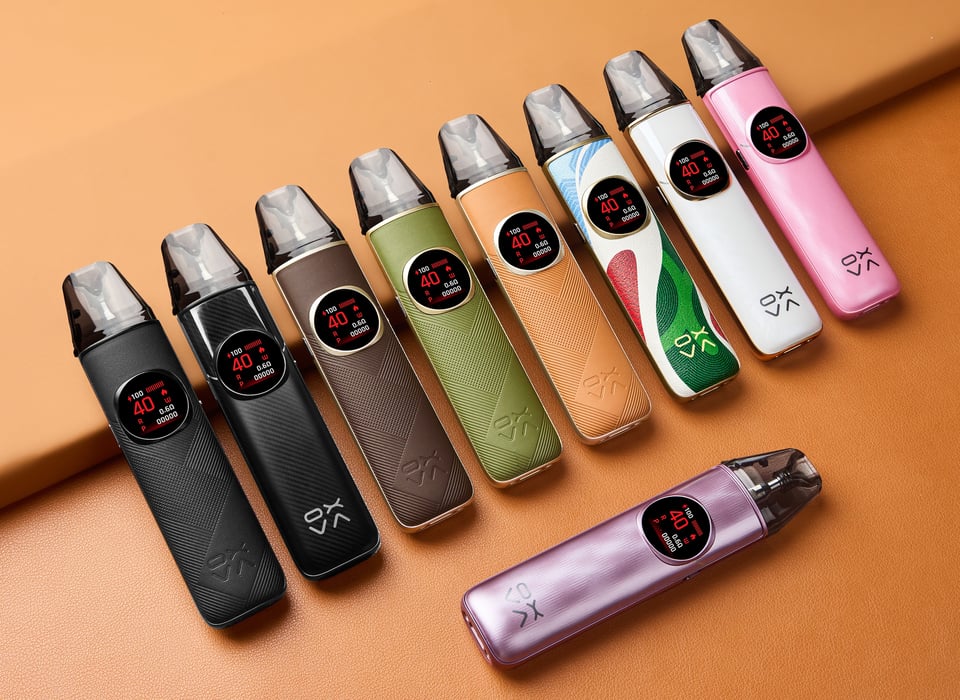
Device guide
NeXLIM 2
Setup guide & manual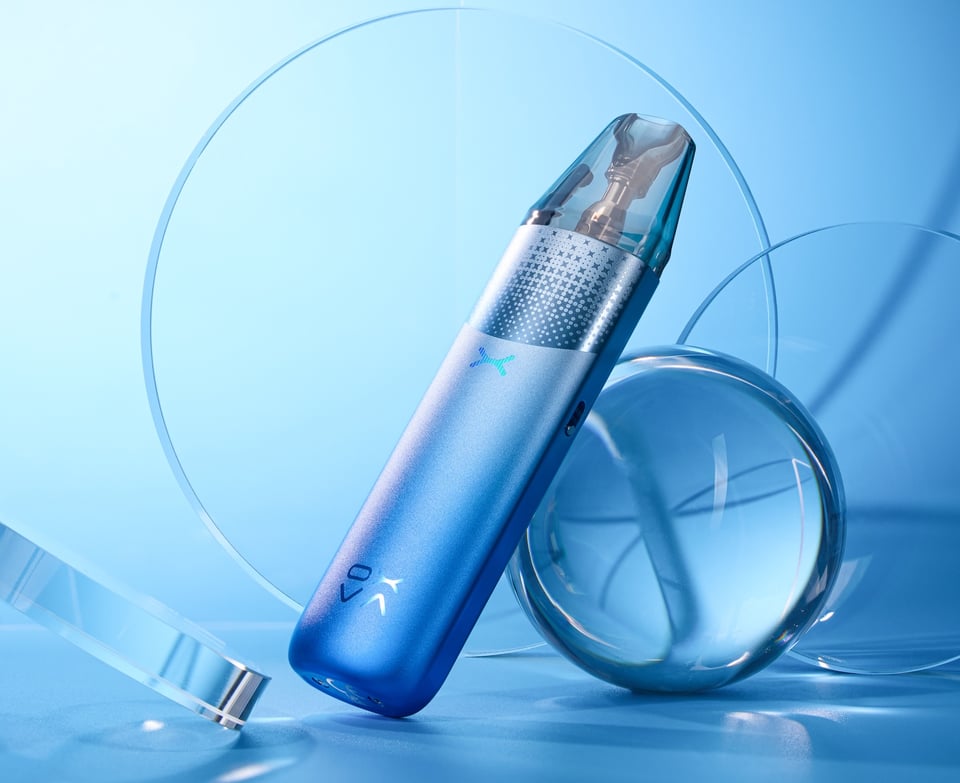
Device guide
NeXLIM 2 Mini
Setup guide & manual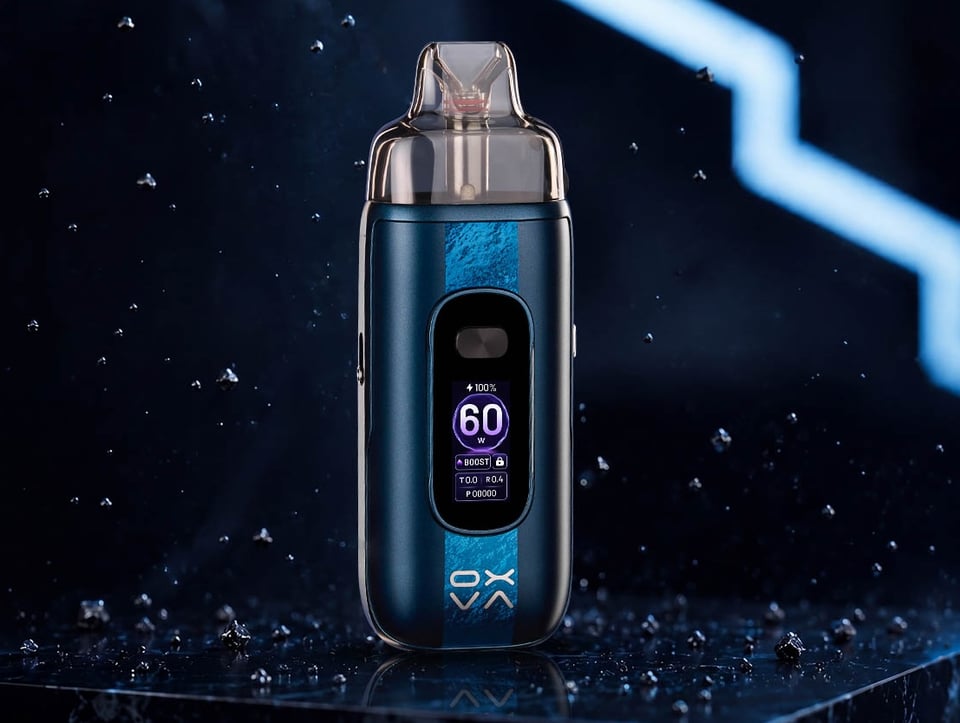
Device guide
OXVA VPrime 2
Setup guide & manual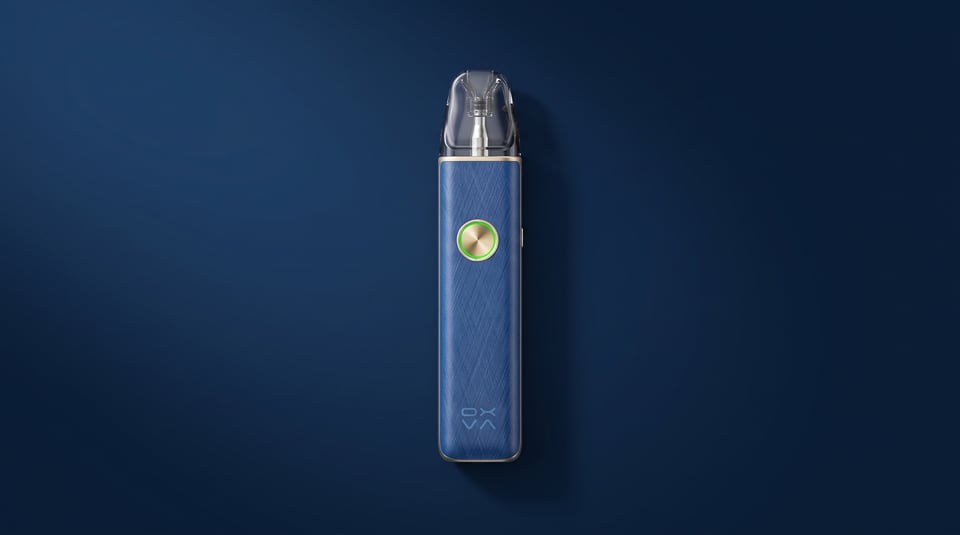
Device guide
OXVA XLIM 4
Setup guide & manual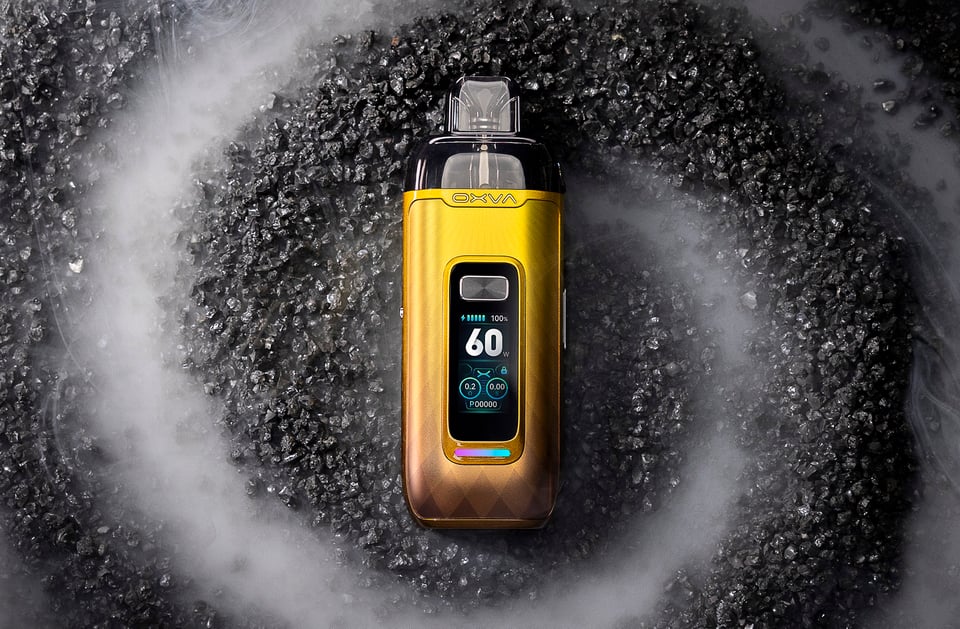
Device guide
VPrime Pod Kit
Setup guide & manual Device guide