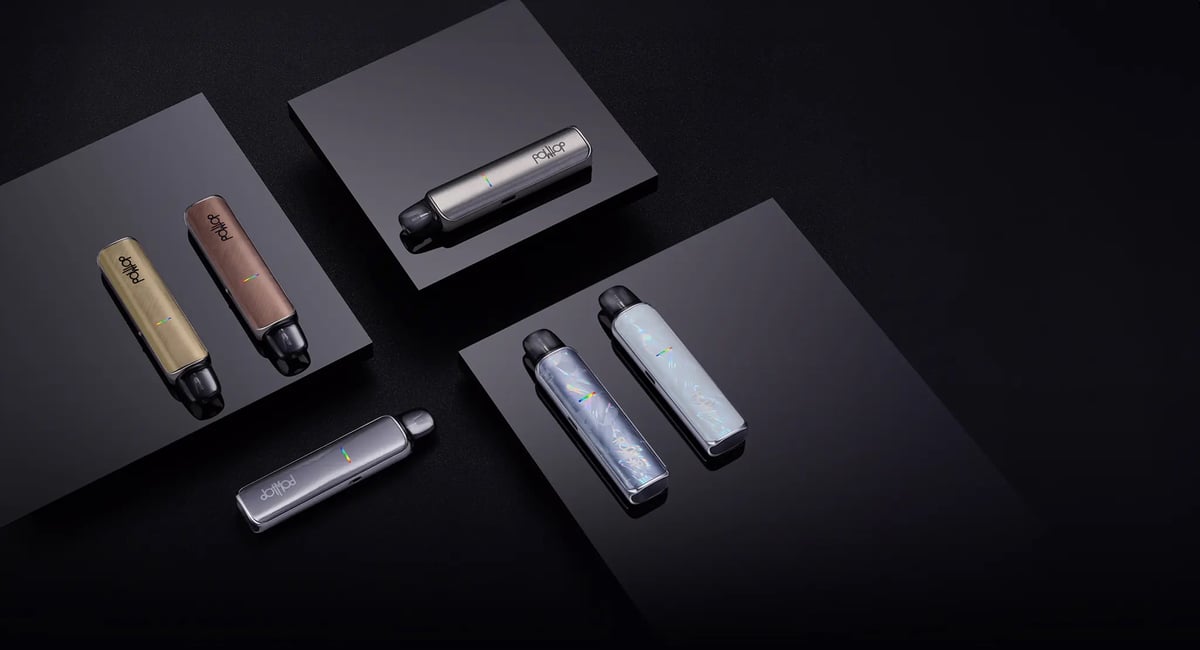
DotPod Lite
 Written by Vape & E-Liquid Team
 Last updated
DotMod's compact, draw-activated pod kit built for MTL and light RDL vaping, suited to switchers and everyday vapers who want a tidy, pocketable device with genuine build quality.
Buy this device
DotPod Lite
Free next-day delivery over £35. Order by 4pm, seven days a week.
Set up guide & tips
Filling the Pod
The DotPod Lite uses a magnetic pod that pulls straight out of the device body. Once removed, locate the silicone-covered fill port on the side of the pod, lift the cover, and fill carefully. Do not overfill, and reseat the silicone cover firmly before pushing the pod back in until it clicks.
Priming the Coil
After filling, leave the pod to sit for three to five minutes before your first draw. This gives the e-liquid time to saturate the mesh coil fully, which protects the coil and prevents a dry, burnt hit straight away. First-time coil priming is the single most common reason for early coil failure.
Choosing Your E-Liquid
The DotPod Lite accepts 0.6ohm, 0.8ohm, and 1.0ohm pods. Your coil resistance guides your liquid choice:
- 0.6ohm pod suits 50/50 or higher-PG blends, typically at lower nicotine strengths if you prefer a slightly airier draw. Nic salts at 10mg work well here.
- 0.8ohm and 1.0ohm pods are the sweet spot for nic salts (10mg or 20mg) with a tighter, more cigarette-like MTL draw. Higher-PG or 50/50 liquids wick best at these resistances.
Avoid high-VG shortfills (70VG and above) in this device. The thin wicking channels in MTL pods are not designed for thick liquid and will produce dry hits and shortened coil life.
Adjusting the Airflow
There is an adjustable airflow control on the device. Close it down for a tight MTL draw that replicates a cigarette draw, or open it slightly for a more relaxed restricted-DL style. If you are new to vaping or switching from cigarettes, start tight and open gradually to find your preference.
Output Power
The DotPod Lite is auto-draw only with no fire button. Power is set at preset wattage levels based on the coil resistance. The device selects output based on your pod, so there is no manual wattage adjustment needed.
| DotPod | Wattage |
|---|---|
| 0.6Ω | 20W |
| 0.8Ω | 18W |
| 1.0Ω | 16W |
Charging
Charge via the Type-C port at the base of the device. The four-LED indicator bar displays battery level during charging. You can vape while charging if needed, as the device supports pass-through use.
| Battery level | LED status |
|---|---|
| 25% | Pulse red lights |
| 50% | Animate orange lights |
| 75% | Animate blue lights |
| 100% | Animate green lights |
Specifications
| Specification | Value |
|---|---|
| Size | 111.85 mm x 25.90 mm |
| Capacity | 2ML |
| Max Output Power | 30W |
| Battery Type | 1000mAh Integrated Battery |
| Charging | Type-C |
| Pod Compatability | 0.6OHM, 0.8OHM, and 1.0OHM |
Compare the DotPod Lite with…
Specs side by side, live prices and a plain answer on which one suits you.
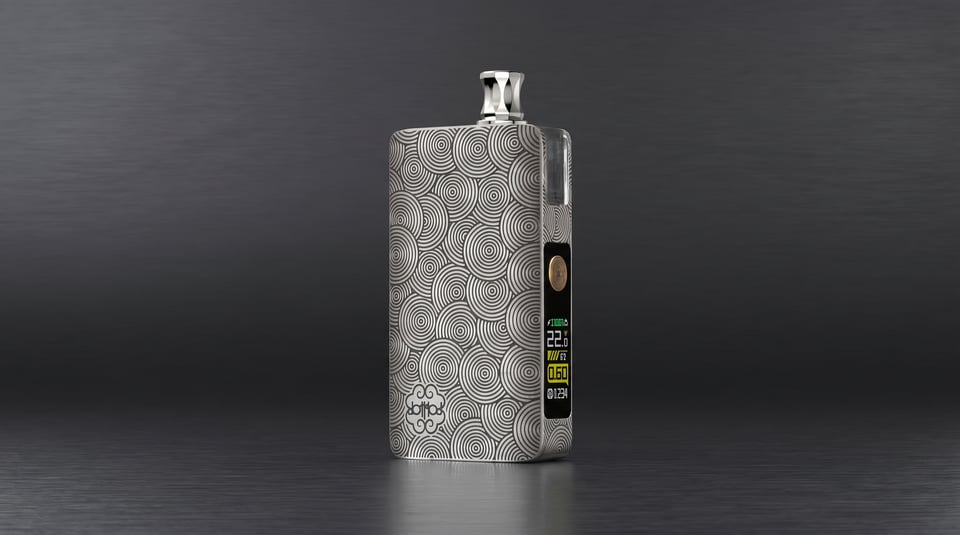
DotMod
DotPod Lite vs DotPod Max
Compare side by side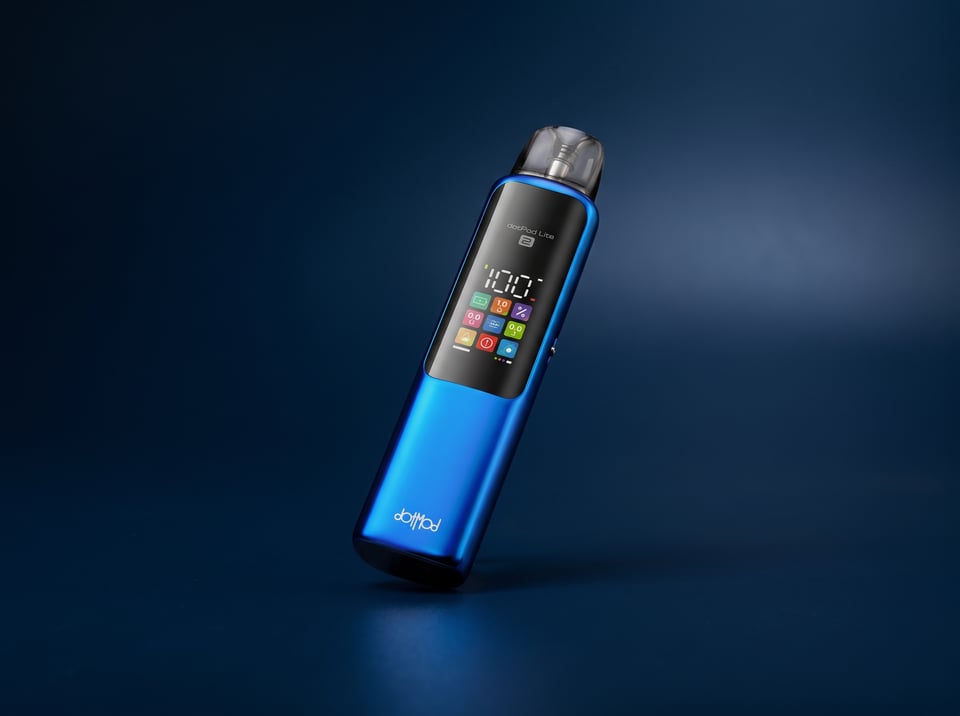
DotMod
DotPod Lite vs DotMod DotPod Lite 2
Compare side by side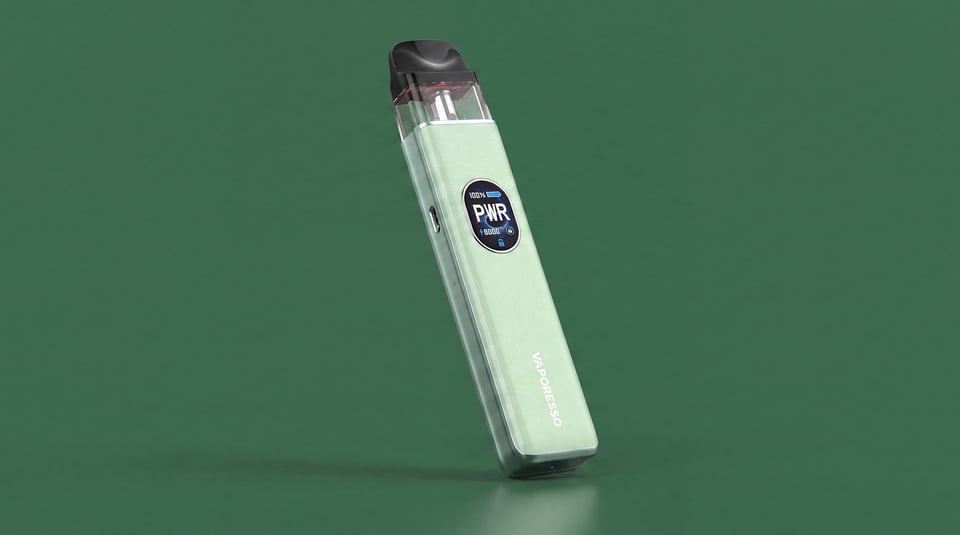
Vaporesso
DotPod Lite vs XROS 5
Compare side by sideUser manual
Open the official DotPod Lite manual (PDF) in a new tab.
Download the manualTroubleshooting
- Battery light is low, flashing, or not charging correctly The LED bar is showing a low charge, a single light is flashing, or the device does not appear to be charging as expected when plugged in.
- Cuts off mid-draw after a long puff The DotPod Lite stops producing vapour partway through a puff and the LED bar flashes 5 times. It then resets and works normally on the next draw.
- Feels hot and shuts down The device becomes uncomfortably hot during use and then shuts itself off. The LED bar flashes rapidly five times over three seconds before the device powers down.
- Has battery but won't fire or produce vapour The device shows a charge and powers on, but pressing the button or drawing on the pod produces nothing. No vapour, no airflow, no response from the coil.
- LEDs flash 5 times and the device cuts out The LED indicator bar flashes 5 times and the device shuts off mid-use or refuses to fire. This is a built-in protection response, not a random fault.
Frequently asked questions
What is the DotPod Lite and who is it for?
The DotMod DotPod Lite is a compact, draw-activated pod kit with a 1000mAh battery and a 2ml magnetic pod. It is well suited to people switching from cigarettes, everyday MTL vapers, and anyone who wants a slim, quality-feeling device without buttons or menus.
What pods are compatible with the DotPod Lite?
The DotPod Lite is compatible with the DotMod DotPod replacement pod series in 0.6ohm, 0.8ohm, and 1.0ohm resistances. These are the same pods used across the DotPod range, making replacements straightforward to source. Always check the resistance on the pod before purchasing to match your preferred vaping style.
What colours does the DotPod Lite come in?
The DotPod Lite is available in Pearl White, Light Grey, Silver, Gunmetal, Bronze, and Brass. The range covers both polycarbonate versions with an electroplated finish and metal-panel versions with a brushed steel look, so there is a finish to suit most tastes.
What e-liquid works best in the DotPod Lite?
Nic salts or 50/50 freebase liquids at up to 20mg/ml are the best match for this device. High-VG shortfills are not recommended as the MTL pod wicking is not designed for thick liquid. At 20mg nic salt, the tighter draw closely replicates the satisfaction of a cigarette, which suits most switchers well.
How do I know the battery level on the DotPod Lite?
The four-LED bar on the front of the device indicates battery status. When charging, the LEDs display the current charge level as it increases. The device also uses an RGB colour indicator: green for 75 to 100 percent, blue for 50 to 75 percent, orange for 25 to 50 percent, and red for below 25 percent.
More from DotMod
Device guide
DotMod DotPod Lite 2
Setup guide & manual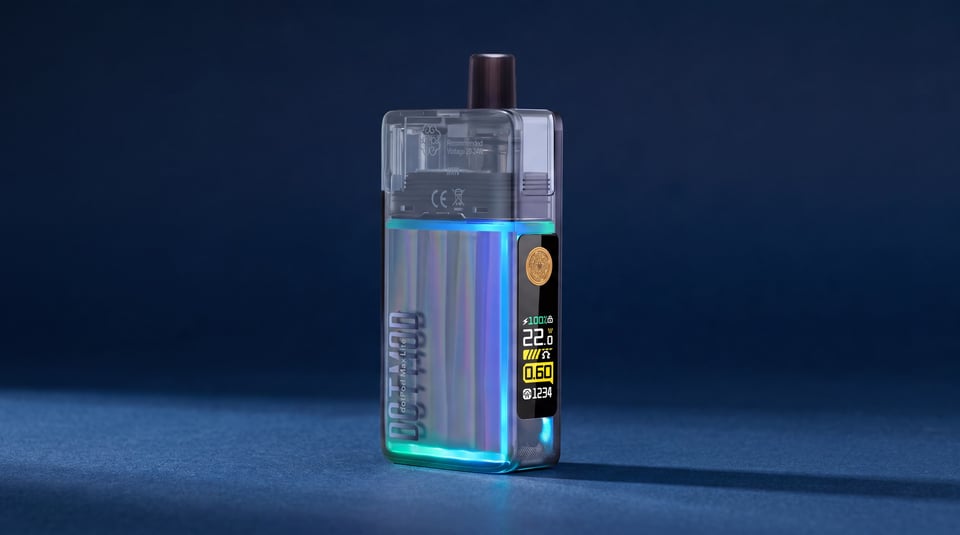
Device guide
DotMod DotPod Max Lite
Setup guide & manual Device guide