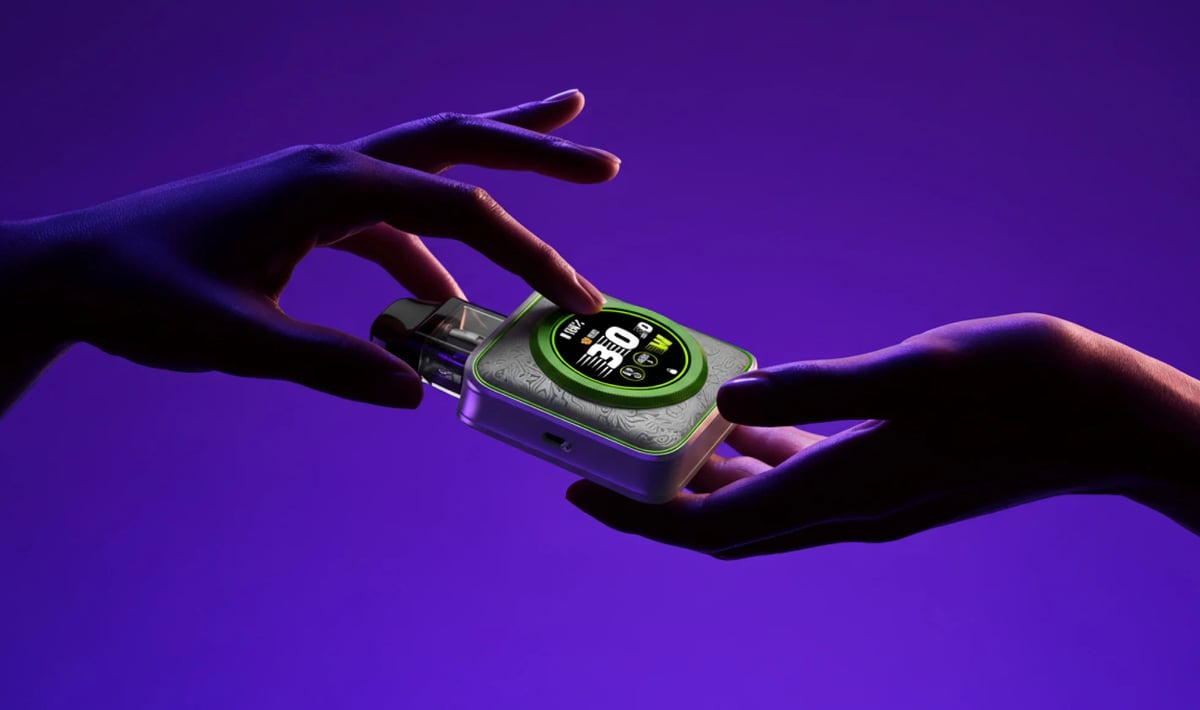
XROS 5 Nano
 Written by Vape & E-Liquid Team
 Last updated
A compact, touchscreen pod kit built around COREX 3.0 mesh pods, a 1600mAh battery, and adjustable airflow, suited to MTL and restricted DTL vapers who want smart controls in a pocket-friendly form.
Buy this device
XROS 5 Nano
Free next-day delivery over £35. Order by 4pm, seven days a week.
Shop these too
Consumables and accessories that fit the XROS 5 Nano.
Set up guide & tips
What's in the box
The XROS 5 Nano ships with two COREX 3.0 mesh pods (one 0.6Ω pre-installed, one 0.8Ω in the box), a USB-C cable, a lanyard, and a user manual. UK retail versions come with 2ml pods to meet TPD requirements, while the 3ml versions are the 0.4Ω and 0.6Ω variants intended for non-UK markets.
Turning the device on and off
Press the side button five times rapidly to power the device on or off. The screen will show a boot animation on startup. Five clicks again powers it down.
Filling the pod
- Remove the pod from the device.
- Snap the mouthpiece off the top of the pod to reveal the 3.6mm filling port.
- Squeeze your e-liquid directly into the port, filling slowly to avoid air locks.
- Refit the mouthpiece and press it down firmly until it clicks closed.
- If this is a brand-new pod, wait at least 5 minutes before your first puff so the coil wicks fully. Vaping too soon can burn the coil and shorten its life.
Priming note
Vaporesso recommends 5 minutes minimum on a fresh coil. If the liquid is thicker (high-VG shortfill), lean toward 8 to 10 minutes. You will not get this time back if you rush it.
Which e-liquid to use
0.8Ω pod (MTL, tighter draw): This is your cigarette-style draw. Use a 50/50 or high-PG nic salt at 10mg or 20mg. The narrower draw suits higher nicotine, and nic salts deliver a smoother throat hit at 20mg than freebase would.
0.6Ω pod (restricted DTL, more open draw): Still MTL-leaning but with noticeably more airflow. A 50/50 nic salt at 10mg works well here. Higher-VG liquids can work but will wick slower, so prime longer.
Airflow and power modes
The side-mounted airflow lever slides to open or close continuously, with no fixed click stops. Wider open suits the 0.6Ω for a breezier draw; restrict it more for a tighter MTL feel with the 0.8Ω. The touchscreen gives you three power modes: Eco, Normal, and Power. Normal is the sensible default for everyday use. Power mode pushes output higher and will drain the battery faster, so save it for when you want a warmer vape.
Navigating the touchscreen
Swipe up from the lock screen to unlock. From the home screen you can swipe to access the menu, where you'll find power mode, brightness, puff counter, and display themes. The screen is genuinely phone-responsive, so a light touch is enough. It blanks out automatically when idle, which means accidental setting changes in a pocket are not a concern.
Specifications
| Specification | Value |
|---|---|
| Size | 76.1 x 54.3 x 22.2mm (2ML Version TPD) |
| Capacity | 3ml (3ml/0.4Ω and 3ML/0.6Ω Version) / 2ml (2ML Version TPD) |
| Output Power | Up to 30W |
| Battery Type | 1600mAh |
| Charging | DC 5V/2A, Type-C |
| Resistance Range | 0.4Ω/0.6Ω/0.8Ω |
Compare the XROS 5 Nano with…
Specs side by side, live prices and a plain answer on which one suits you.
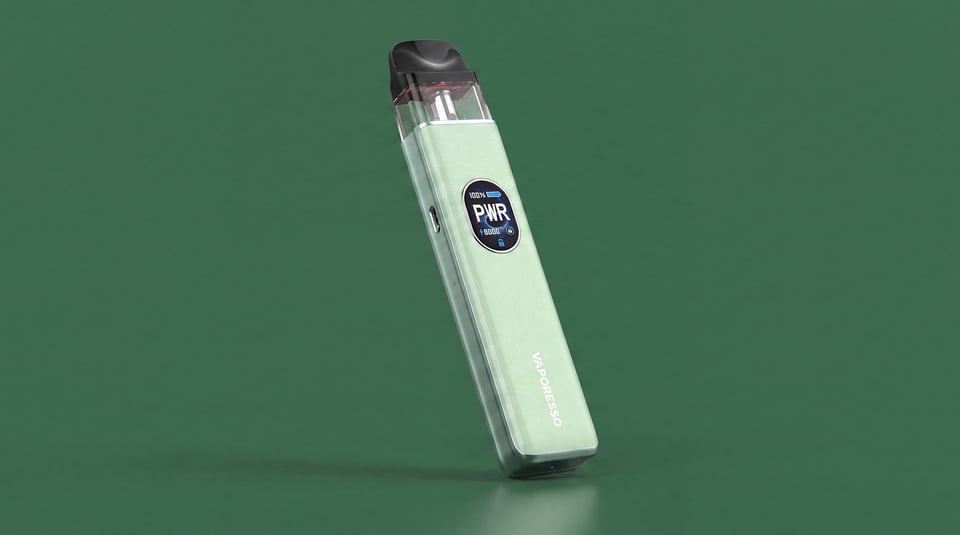
Vaporesso
XROS 5 Nano vs XROS 5
Compare side by side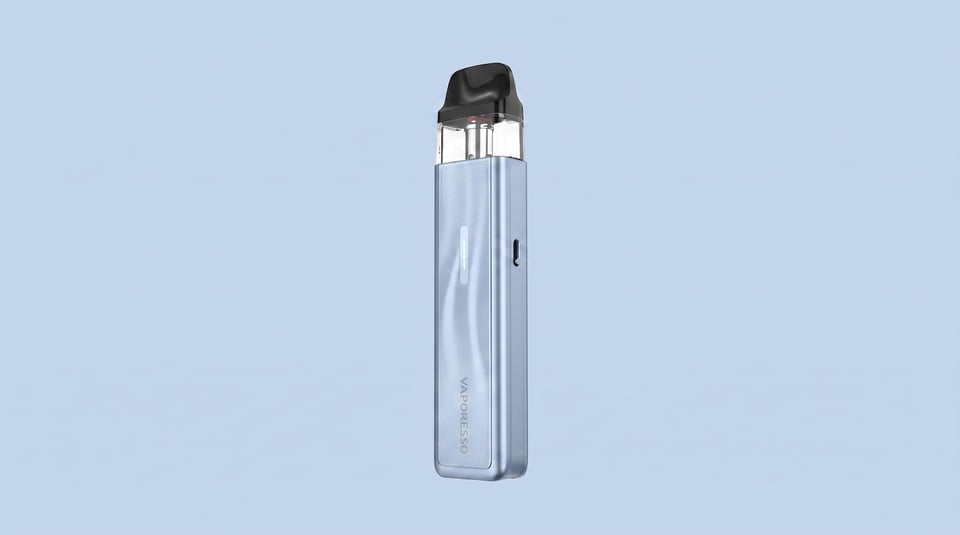
Vaporesso
XROS 5 Nano vs XROS 5 Mini
Compare side by side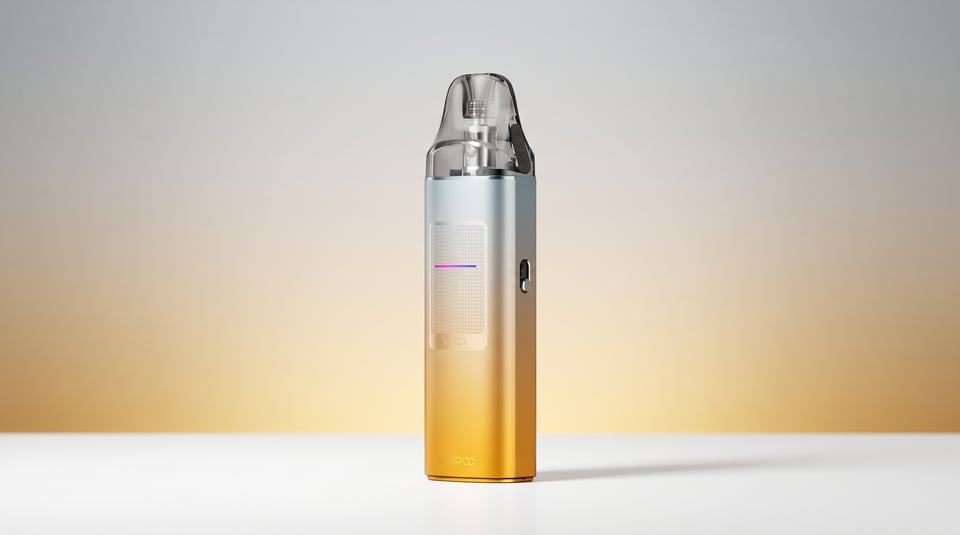
VooPoo
XROS 5 Nano vs Vinci S
Compare side by sideUser manual
Open the official XROS 5 Nano manual (PDF) in a new tab.
Download the manualTroubleshooting
- Screen shows 'BATTERY LOW' and device stops working The screen displays 'BATTERY LOW' and the device cuts out, refusing to fire. This is the low voltage or over-discharge protection activating to keep the battery safe.
- Screen shows 'LOW RESISTANCE' and device stops working The screen displays 'LOW RESISTANCE' and the device cuts out and refuses to fire. This is the built-in short-circuit and low-resistance protection activating to keep you safe.
- Screen shows 'OVER HEAT' and device stops working The screen displays 'OVER HEAT' and the device cuts out completely. This is the built-in high temperature protection activating to keep you safe.
- Screen shows 'OVER TIME' and device stops working The screen displays 'OVER TIME' and the device cuts out mid-vape. This is the 8-second overtime protection activating and stopping the device from firing.
Frequently asked questions
Who is the Vaporesso XROS 5 Nano for?
It suits ex-smokers and everyday vapers who want a compact, well-specced device with proper controls rather than a basic draw-activated stick.
How does the XROS 5 Nano compare to the XROS 4 Nano?
The XROS 5 Nano adds a full touchscreen interface, more UI themes, and the upgraded COREX 3.0 pods over the XROS 4 Nano. Battery capacity and overall size are broadly similar. If you are already on the XROS 4 Nano, the touchscreen alone is the biggest practical upgrade.
Which pods are compatible with the XROS 5 Nano?
The XROS 5 Nano is compatible with the full XROS pod series. It ships with 0.6Ω and 0.8Ω COREX 3.0 mesh pods. The 0.4Ω pod is compatible with higher-power XROS devices including the XROS 5, but the Nano's output is optimised for 0.6Ω and above in everyday use.
What e-liquid should I use in the XROS 5 Nano?
Nic salts in a 50/50 VG/PG ratio are the best match for both pods. The 0.8Ω suits 20mg for a satisfying MTL hit; the 0.6Ω works well at 10mg for a smoother, more open draw. UK TPD rules cap nicotine at 20mg/ml, and the 2ml pod capacity keeps the kit fully compliant.
How do I charge the XROS 5 Nano?
Plug the included USB-C cable into the port on the side of the device. The spec is DC 5V/2A, so a standard phone charger is fine. Battery level shows on the touchscreen display. Try not to run it flat regularly as that shortens lithium battery life over time.
Why is my XROS 5 Nano giving a burnt taste?
A burnt taste almost always means the coil was not primed long enough, the pod is running very low on liquid, or the coil has reached the end of its life. Fill the pod, wait 5 minutes, and try again. If the burnt taste persists on a full pod, the coil is likely spent and the pod needs replacing.
More from Vaporesso
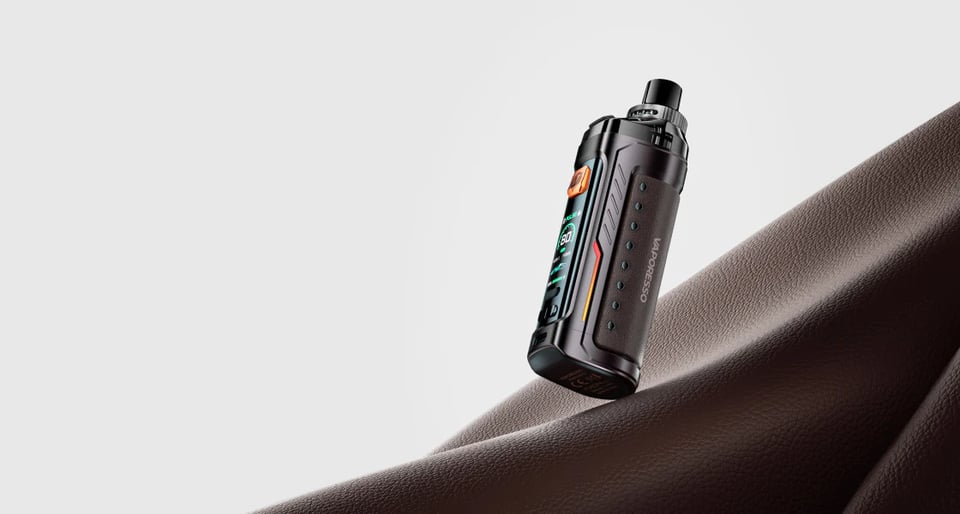
Device guide
Armour G
Setup guide & manual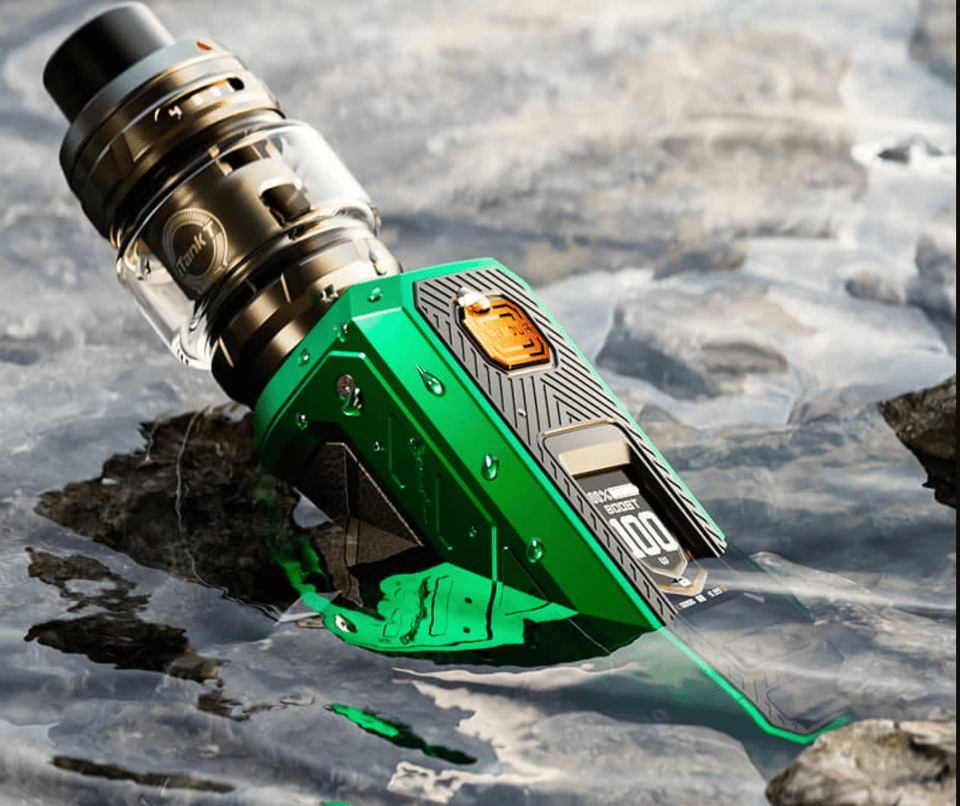
Device guide
Armour Ultra
Setup guide & manual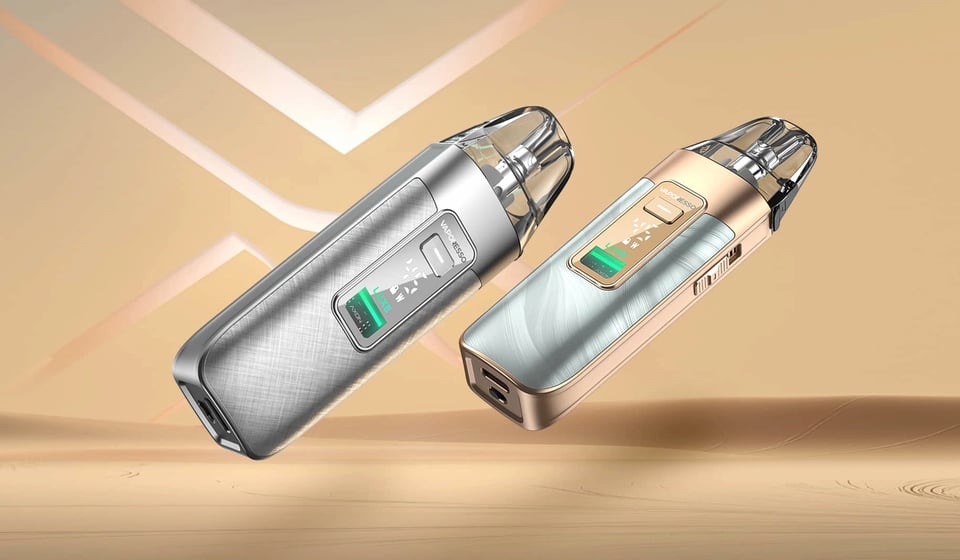
Device guide
Luxe X3
Setup guide & manual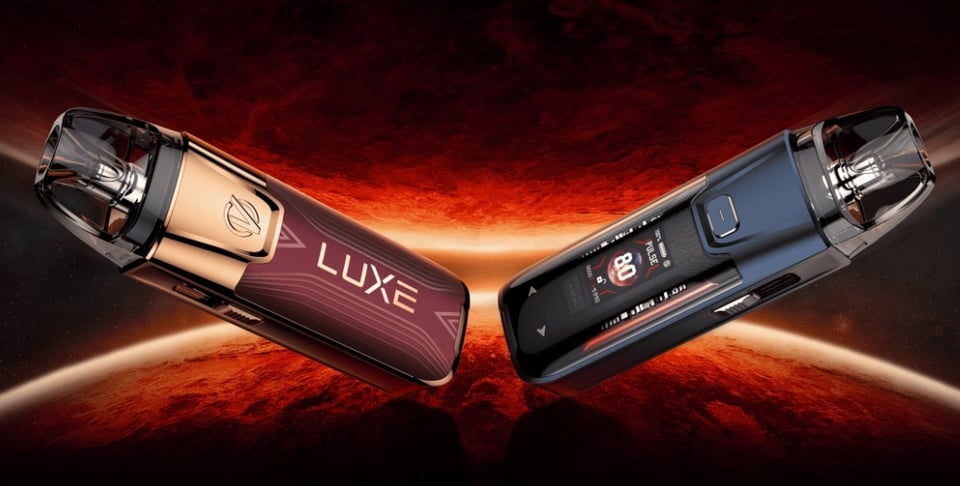
Device guide
Luxe XR Max 2
Setup guide & manual
Device guide
Vaporesso Armour OCTA
Setup guide & manual
Device guide