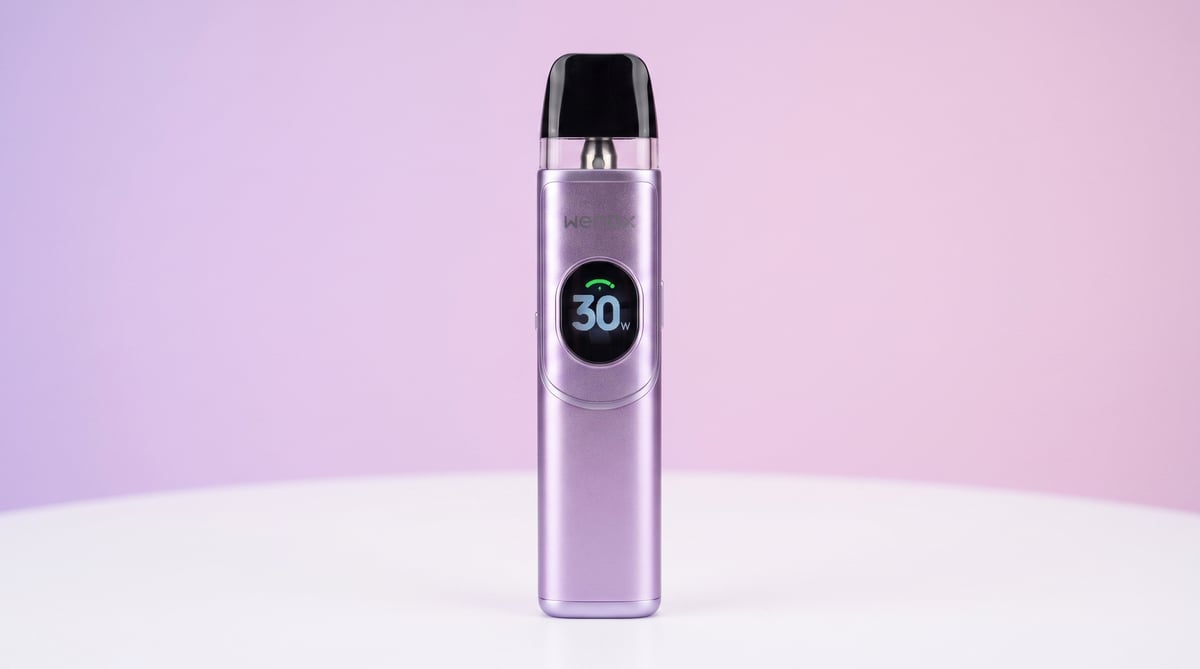
Wenax Q2
 Written by Vape & E-Liquid Team
 Last updated
A compact, adjustable pod kit with a 1250mAh battery and HD display, suited to MTL and RDL vapers who want wattage control in a pocket-friendly device.
Buy this device
Wenax Q2
£9.49 Out of stock 9 options
Free next-day delivery over £35. Order by 4pm, seven days a week.
Set up guide & tips
What's in the box
Your kit arrives with one Wenax Q2 device, a 0.6ohm Q Pod (pre-installed), a spare 0.8ohm Q Pod, a USB-C cable, and a manual. Check everything is present before you set up.
Filling the pod
The Wenax Q2 uses a top-fill system. Snap off the cartridge cap, then pull out the silicone stopper to expose the fill port. Press the nozzle of your e-liquid bottle into the hole and squeeze slowly to fill. Seat the stopper firmly back in, then click the cap back on. Before you vape, wait at least 5 minutes on the first fill, so the coil is fully saturated.
Choosing the right e-liquid
Pod resistance matters here because the two included pods suit different styles.
- 0.6ohm pod (RDL): Run this at the auto-recommended 20W. Use a 50/50 or 60VG/40PG e-liquid, freebase nicotine at 3mg or 6mg works well here, or a nic salt at 10mg if you prefer a smoother hit with a slightly higher strength.
- 0.8ohm pod (MTL): Auto-recommended at 15W. This is the more cigarette-like draw. Nic salts at 10mg or 20mg in a 50/50 base are the best match. Avoid high-VG shortfills as the thicker liquid wicks slowly through MTL coils and can cause dry hits.
- 1.2ohm pod (MTL): Suited to a tighter, lower-power draw. Nic salts at 10mg to 20mg in a 50/50 base again, ideal if you are new to vaping and want the closest cigarette equivalent.
Pod capacity is 2ml, in line with UK TPD rules.
Adjusting wattage and settings
The single power button handles everything:
- 2 clicks: cycle through screen themes
- 3 clicks: step through power levels
- 5 clicks: power the device on or off
- Long press: toggle the screen animation on or off
When you insert a pod, the device reads the coil resistance and suggests a starting wattage automatically. That recommended figure is a sensible starting point; adjust up or down in small steps to find your preferred flavour and warmth.
Airflow
There is a side airflow control on the device. Open it for a looser, airier draw with the 0.6ohm pod, or close it down for a tighter MTL pull with the 0.8ohm or 1.2ohm pod.
Charging
Charge via the USB-C port at 5V/2A. A fast charger will get the 1250mAh battery back up quickly. Charge on a flat, non-flammable surface and avoid leaving the device unattended on charge overnight.
Specifications
| Specification | Value |
|---|---|
| Size | 94.6×26.1×16.2mm |
| Capacity | 2ml (TPD) |
| Output Power | 8W-30W |
| Battery Type | 1250mAh built-in Lithium-ion battery |
| Charging | Charging port and current: USB Type-C, 5V2A |
| Resistance Range | 0.6, 0.8, 1.2 ohm |
Compare the Wenax Q2 with…
Specs side by side, live prices and a plain answer on which one suits you.
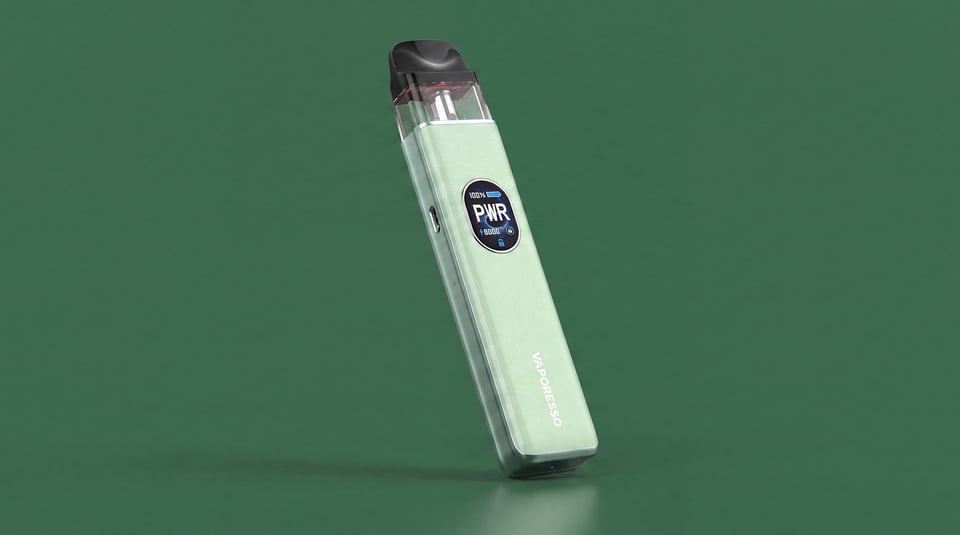
Vaporesso
Wenax Q2 vs XROS 5
Compare side by side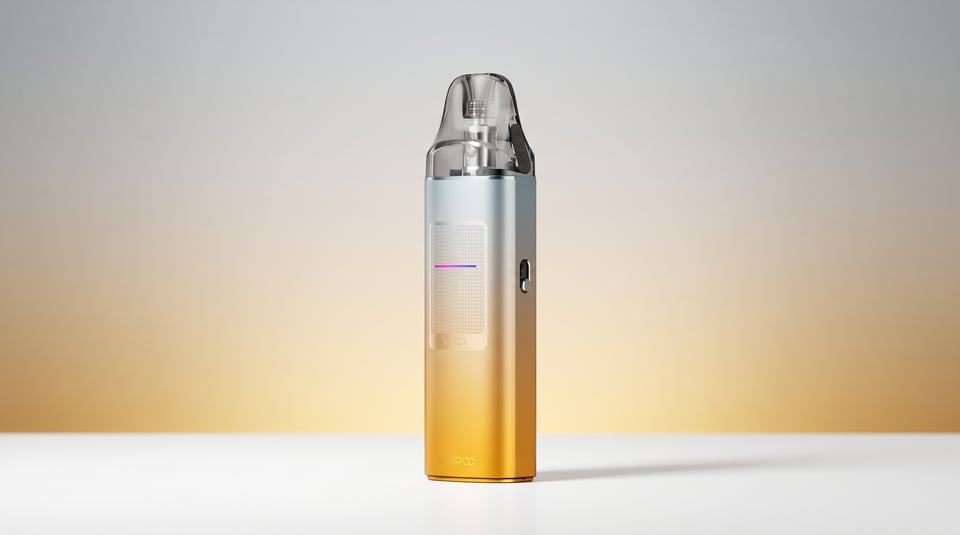
VooPoo
Wenax Q2 vs Vinci S
Compare side by side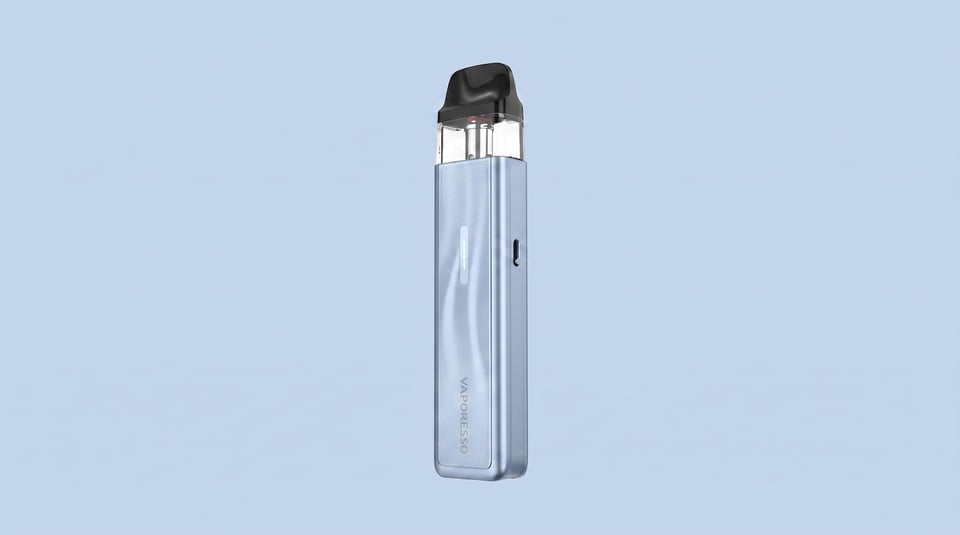
Vaporesso
Wenax Q2 vs XROS 5 Mini
Compare side by sideUser manual
Open the official Wenax Q2 manual (PDF) in a new tab.
Download the manualFrequently asked questions
What pods are compatible with the Geekvape Wenax Q2?
The Wenax Q2 takes Geekvape Q Pod cartridges. The kit ships with 0.6ohm and 0.8ohm pods, and the device also supports the 1.2ohm Q Pod. All use a top-fill or side-fill system depending on the variant, and all hold 2ml of e-liquid.
How do you turn the Geekvape Wenax Q2 on and off?
Press the power button 5 times quickly to toggle the Wenax Q2 on or off. The device will confirm with an on-screen animation. Powering off when the device is in a bag or pocket prevents accidental firing and battery drain.
When was the Geekvape Wenax Q2 released?
The Wenax Q2 is Geekvape's current generation of the Wenax Q series, released in 2025 as an upgrade on the original Wenax Q. If you are checking availability in the UK, it is in stock now and supplied in TPD-compliant 2ml configuration.
What wattage should I use with the Wenax Q2?
The device sets a recommended wattage automatically when it detects your pod resistance. The 0.6ohm pod defaults to 20W for RDL vaping, and the 0.8ohm pod to 15W for MTL. You can step wattage up or down with 3 clicks of the button to fine-tune warmth and vapour output.
How do I change the screen theme on the Wenax Q2?
Double-click the power button to cycle through the four available display themes. The HD screen supports customisable animations that can also be toggled on or off with a long press of the button. It is a small detail, but it does make the device feel more personal.
How do I know when the Wenax Q2 battery is running low?
The screen animation changes colour to indicate battery level. A green or full-colour animation shows the battery is above 60%. The colour shifts to indicate 21 to 59 percent, and at 20 percent or below the display signals a low charge. Plug in via USB-C when prompted.
More from Geekvape
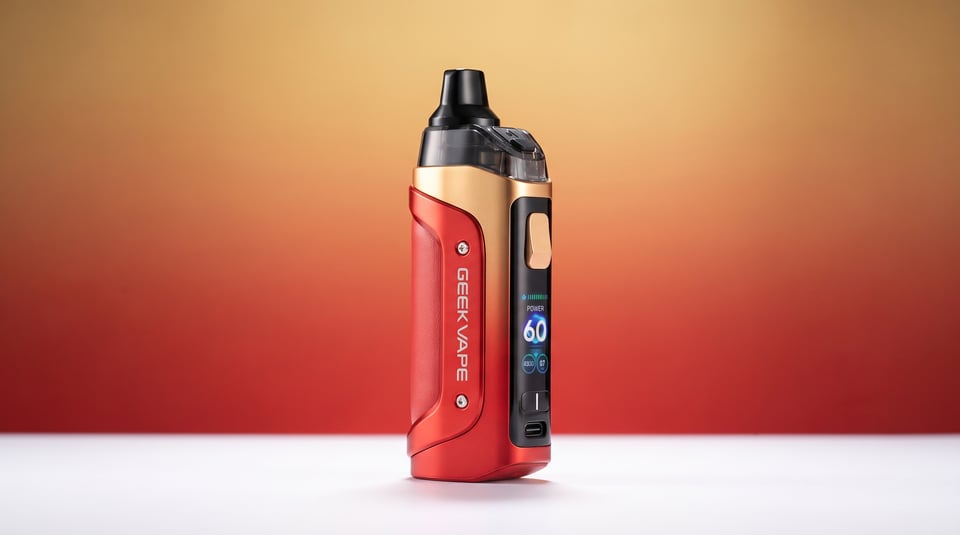
Device guide
Aegis Boost 3
Setup guide & manual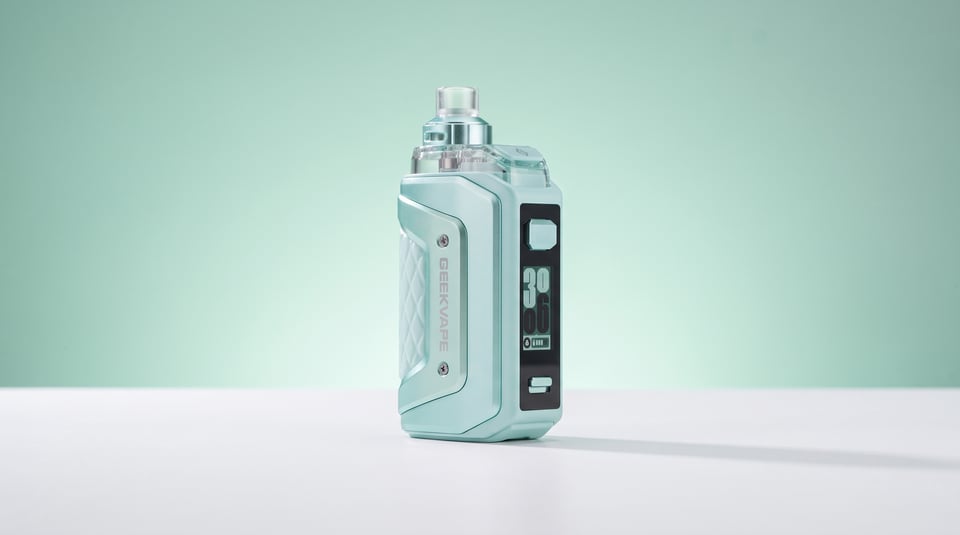
Device guide
Aegis Hero 5
Setup guide & manual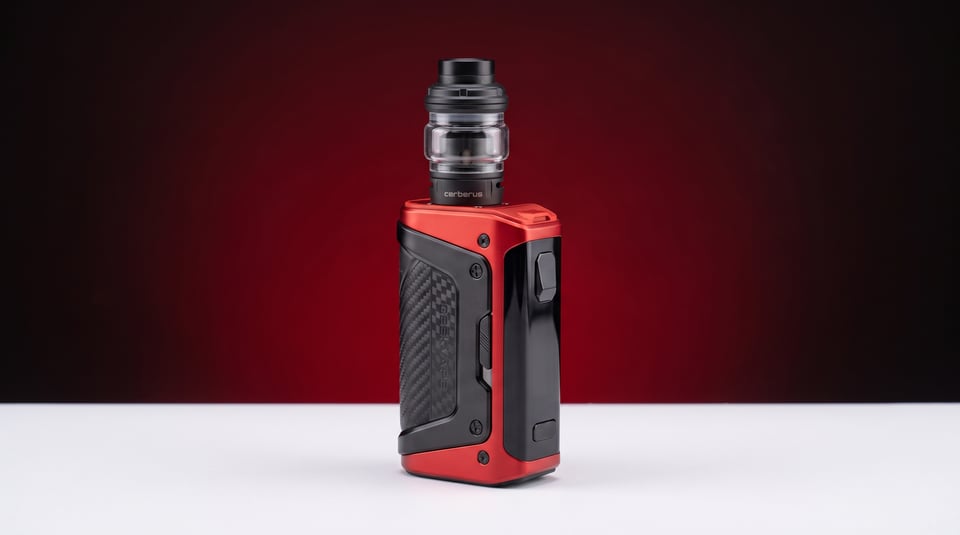
Device guide
Aegis Legend 5
Setup guide & manual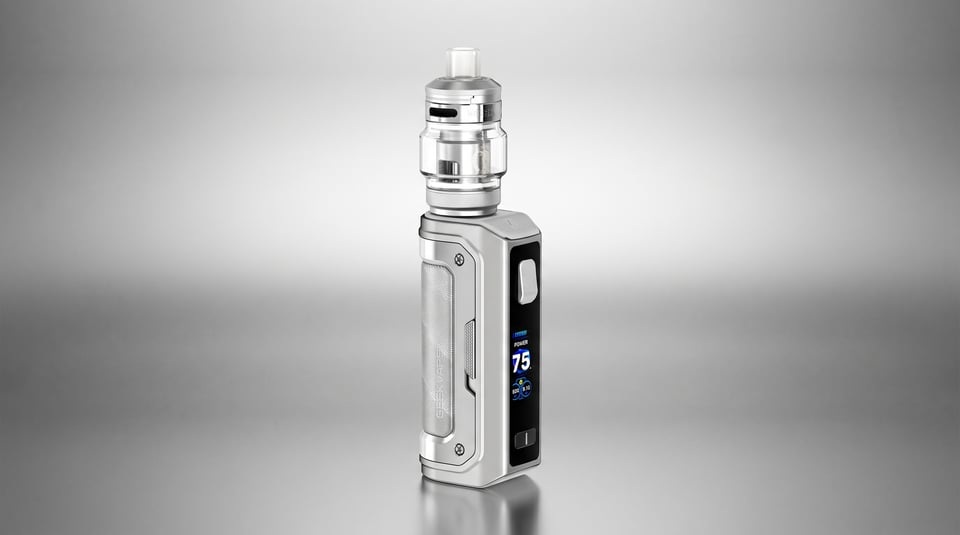
Device guide
Aegis Mini 5 75W
Setup guide & manual
Device guide
Aegis Solo 3
Setup guide & manual
Device guide