Digi Q Vista
 Written by Vape & E-Liquid Team
 Last updated
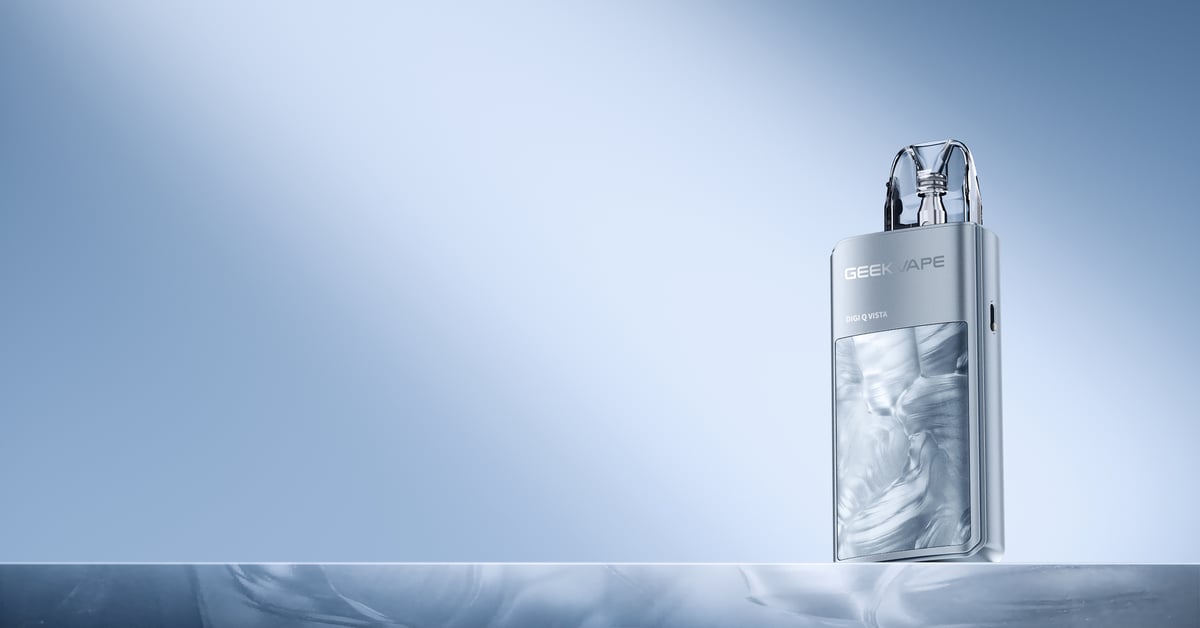
A 35W adjustable pod kit with a wraparound colour display, built-in 1600mAh battery, and three vaping modes covering MTL through to RDL use.
Buy this device
Digi Q Vista
Free next-day delivery over £35. Order by 4pm, seven days a week.
Set up guide & tips
First Use
The Digi Q Vista arrives with a Q pod already seated in the device, separated by a protective sticker. Pull that sticker out before you start. The kit uses dual activation, so you can fire by inhaling or by pressing the button. Five clicks of the fire button turns the device on and off. Triple-click to cycle between Smart, Dynamic, and Eco modes. To lock the fire button without disabling draw activation, use the dedicated A-Lock switch on the side, which is far more reliable than any multi-tap locking system.
Filling the Pod
The Q pods are top-fill. Snap off the black cap at the top of the pod to expose the fill port. Fill with your chosen e-liquid, replace the cap firmly, and seat the pod back into the device. Before you vape, give the pod 5 to 10 minutes to sit so the e-liquid fully saturates the mesh coil. Rushing this step is the quickest way to get a dry, burnt hit that shortens the coil's life. When the coil is spent, swap the whole pod rather than just the coil.
Which E-liquid to Use
The coil resistance you choose shapes your liquid selection.
- 0.6 ohm pod (included, RDL): Works well with 50/50 freebase nicotine e-liquids. If you want nicotine, a 3mg or 6mg strength at this resistance is sensible. Avoid high-VG shortfills here as the thicker liquid wicks more slowly through the mesh.
- 0.8 ohm pod (included, MTL): Suits both 50/50 freebase and nicotine salts. Nic salts at 10mg or 20mg are a popular pairing for a satisfying throat hit without harshness.
- 1.2 ohm pod (sold separately, tight MTL): Nicotine salts are the obvious choice. The lower power draw at this resistance pairs well with a higher salt strength for a cigarette-like draw.
UK TPD rules cap nicotine e-liquids at 20mg/ml. The 2ml pod capacity is also TPD-compliant, so you are within legal limits with any properly labelled UK e-liquid.
Wattage Modes Explained
The three modes let you tailor performance without fiddling through menus.
- Smart Mode: The device reads the coil resistance and sets an appropriate wattage automatically. Good for day-to-day use when you just want to vape without thinking about it.
- Dynamic Mode: Full manual control over wattage within the 5 to 35W range. Use this if you want to dial in a specific output for flavour or vapour production.
- Eco Mode: Drops the output to conserve battery. Useful on longer days when you cannot charge.
The colour display on the side panel shows battery level, wattage, resistance, and puff count, so you always know where you stand. The large face panel glows green, blue, or red depending on the power level being used, which is more of a visual feature than an information display.
Specifications
| Specification | Value |
|---|---|
| Capacity | 2ml (TPD) |
| Output Power | 5-35W adjustable |
| Battery Type | 1600mAh built-in |
| Charging | USB-C, under 60 minutes |
| Resistance Range | 0.6, 0.8, 1.2 ohm |
Compare the Digi Q Vista with…
Specs side by side, live prices and a plain answer on which one suits you.
Geekvape
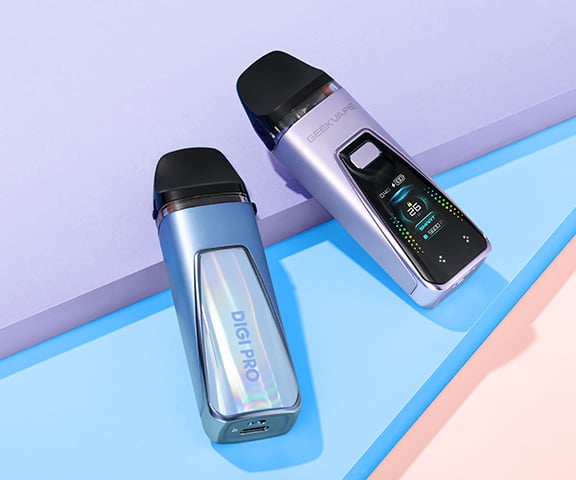
Digi Q Vista vs Digi Pro
Compare side by side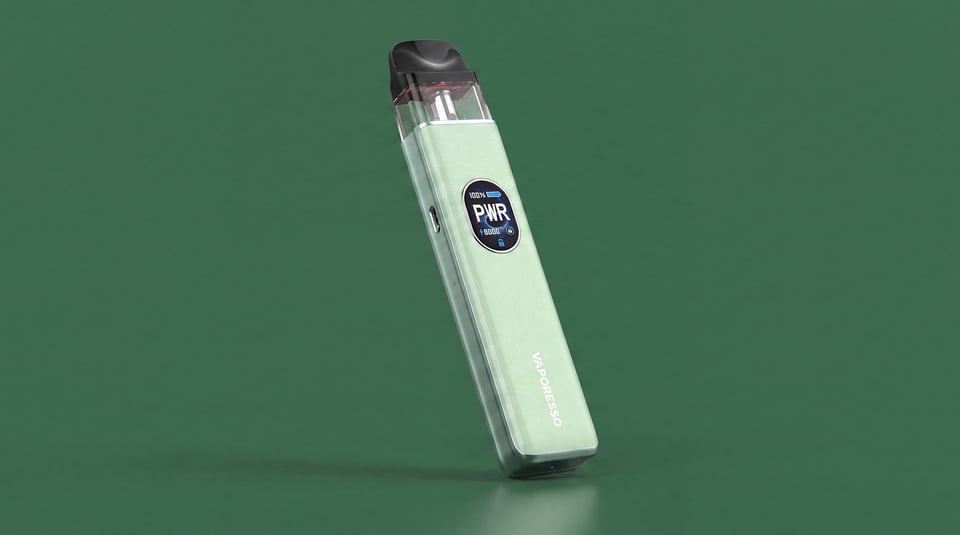
Vaporesso
Digi Q Vista vs XROS 5
Compare side by side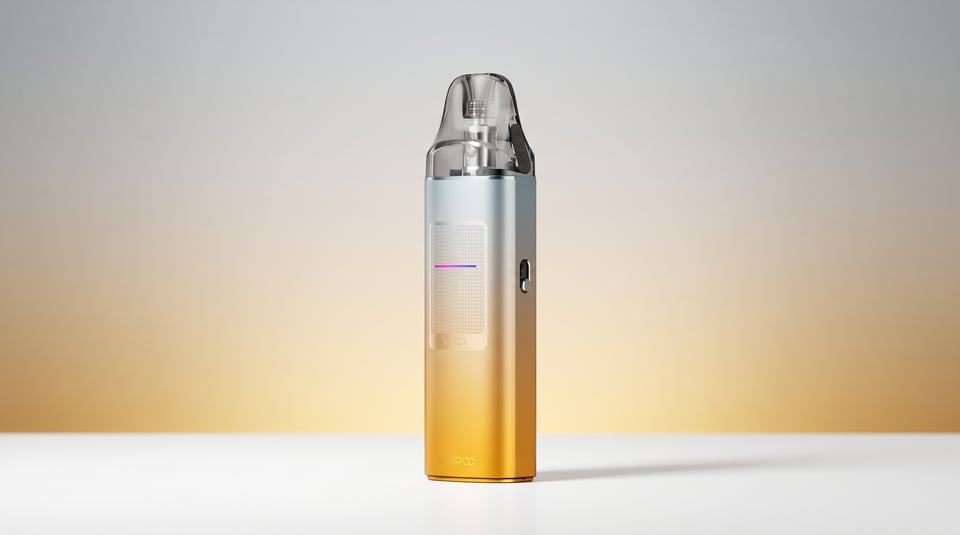
VooPoo
Digi Q Vista vs Vinci S
Compare side by sideFrequently asked questions
What pods are compatible with the Geekvape Digi Q Vista?
The kit ships with Geekvape Q pods at 0.6 ohm and 0.8 ohm. The 1.2 ohm Q pod is sold separately and covers a tighter MTL draw. All Q pods are 2ml capacity with integrated mesh coils and a top-fill design. The device is compatible with the full Geekvape Q pod range.
What colours does the Geekvape Digi Q Vista come in?
Colour options for the Digi Q Vista vary by retailer and stock availability. Check the product listing on vapeandeliquid.co.uk for current colour options, as the range can change with new releases.
How long does the Geekvape Digi Q Vista take to charge?
The Digi Q Vista charges via USB-C and reaches a full charge in under 60 minutes from flat. The 1600mAh battery is relatively large for a pod kit of this size, so that fast charge time is genuinely useful. Charge it before leaving the house and you should get through a full day of moderate vaping comfortably.
How do I stop the Geekvape Digi Q Vista from firing in my pocket?
Use the dedicated A-Lock switch on the side of the device. This deactivates the fire button completely while still allowing draw-activated vaping if you need it. Triple-clicking or similar multi-tap methods are not required here, which makes the lock more dependable in everyday carry.
What does Smart Mode do on the Digi Q Vista?
Smart Mode automatically detects the resistance of whichever Q pod is inserted and sets an appropriate wattage. It also prevents you from selecting a wattage level too high for the coil, which helps avoid burnt pods. It is the most convenient mode for most vapers most of the time.
More from Geekvape
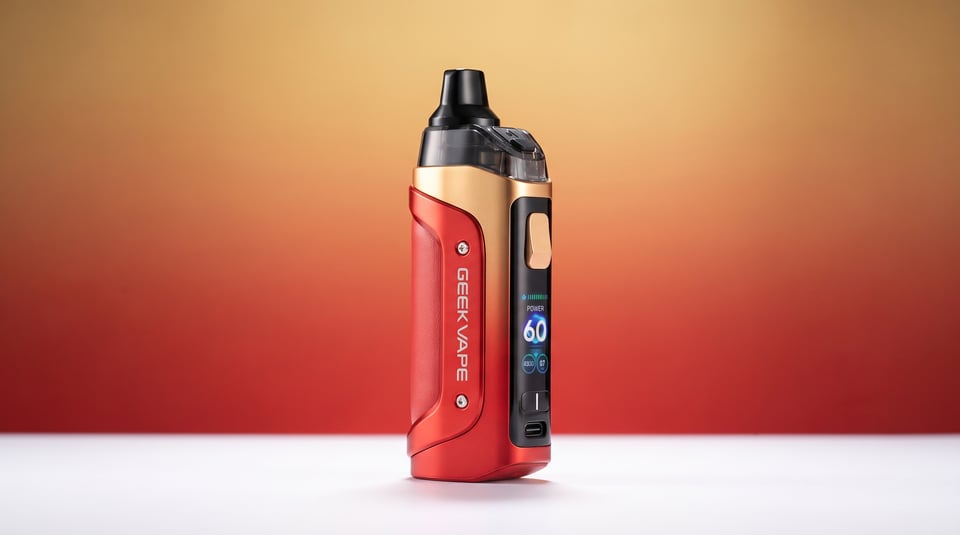
Device guide
Aegis Boost 3
Setup guide & manual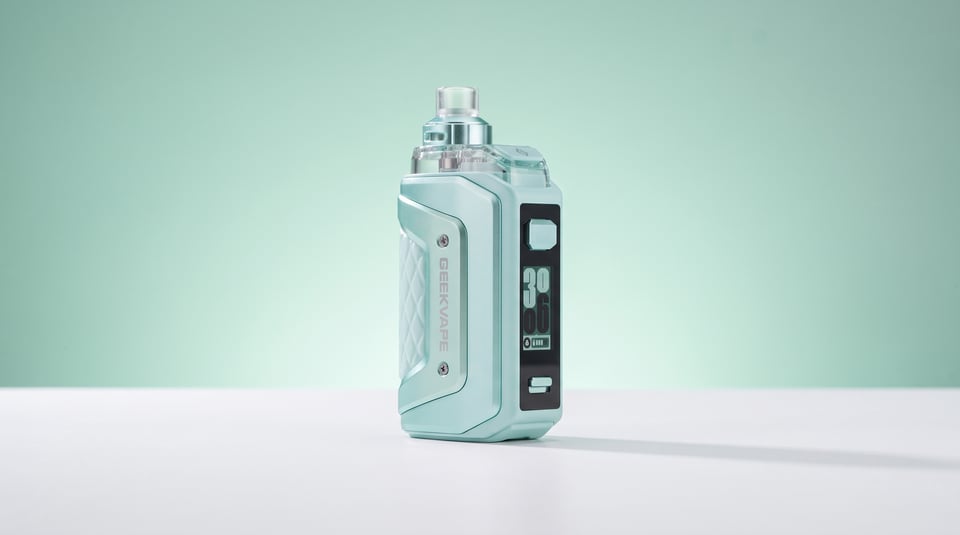
Device guide
Aegis Hero 5
Setup guide & manual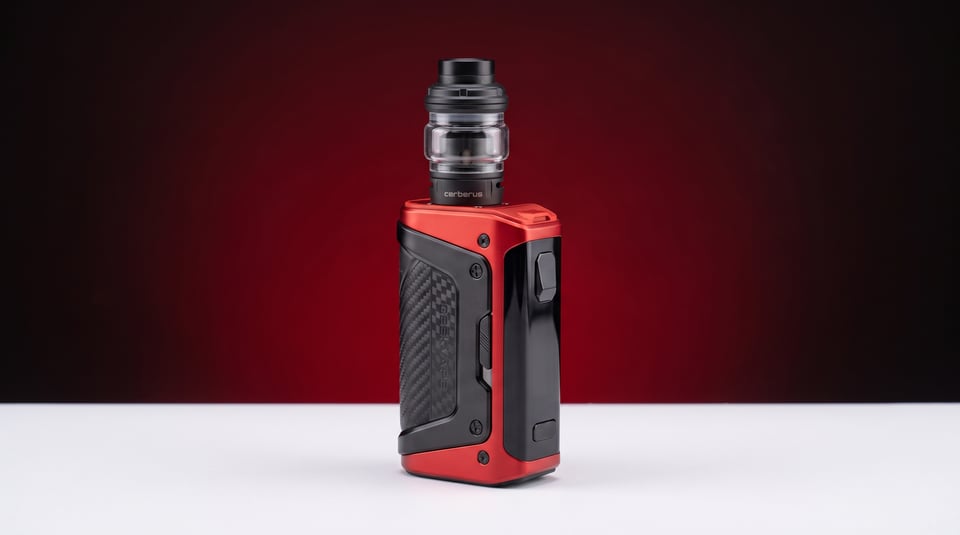
Device guide
Aegis Legend 5
Setup guide & manual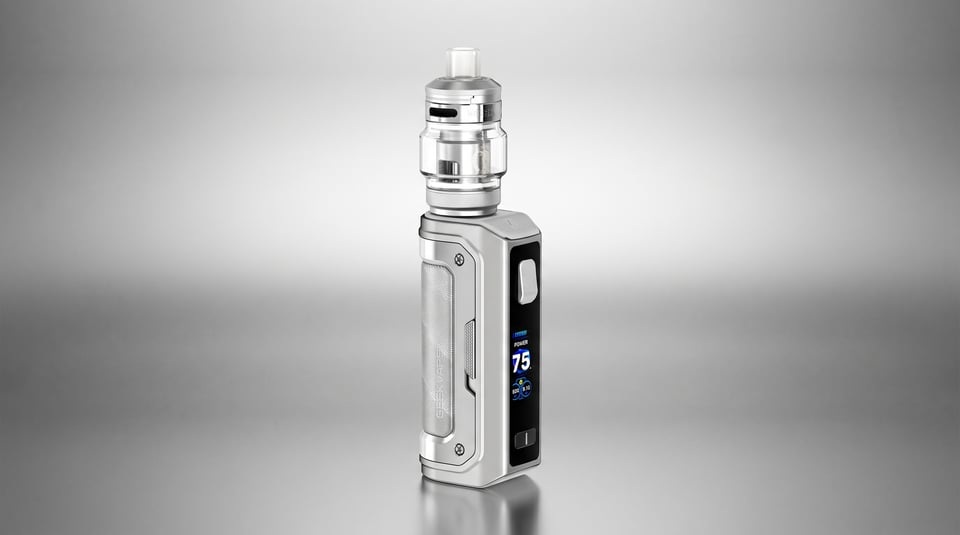
Device guide
Aegis Mini 5 75W
Setup guide & manual
Device guide
Aegis Solo 3
Setup guide & manual Device guide