
Brand guide
Vaporesso Vape Devices, Guides & Manuals
Independent documentation for Vaporesso vape kits: setup guides, official manuals and per-device troubleshooting, written for UK vapers.
Vaporesso at a glance
- Devices documented
- 13
- Fixes documented
- 26
Most documented Vaporesso devices
The devices with the most setup help and fixes on the hub.
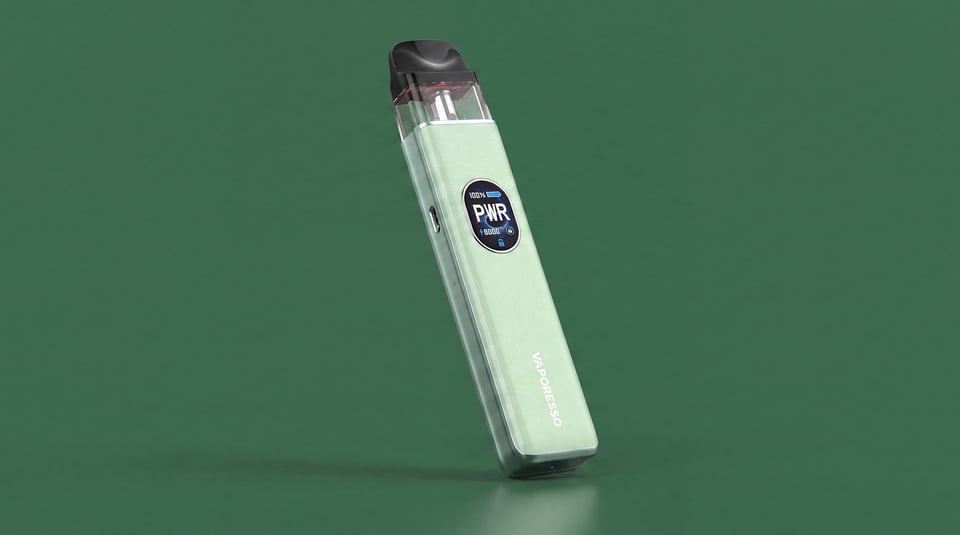 Shop the XROS 5
Vaporesso
XROS 5
Setup guide and 8 fixes documented
View device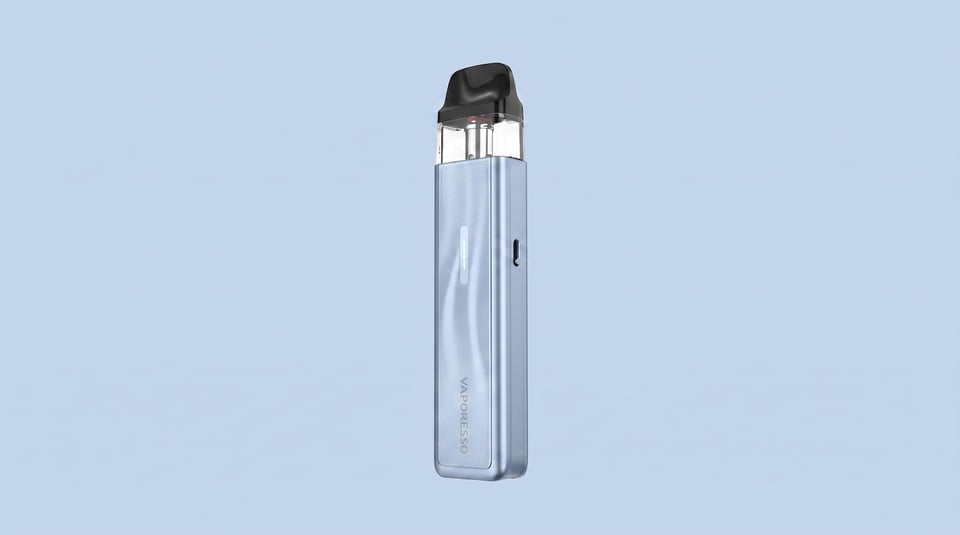 Shop the XROS 5 Mini
Vaporesso
XROS 5 Mini
Setup guide and 6 fixes documented
View device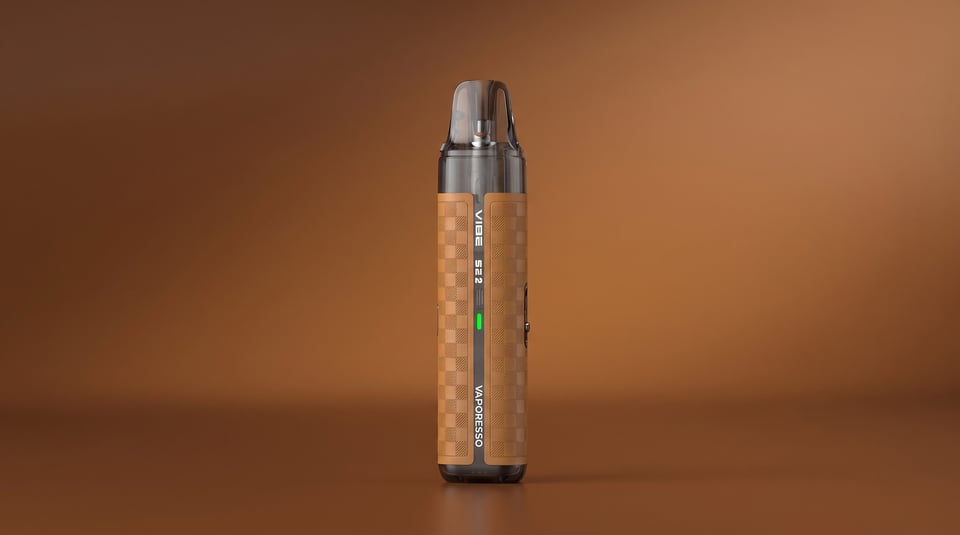 Shop the Vibe SE 2
Vaporesso
Vibe SE 2
Setup guide and 6 fixes documented
View device Shop the XROS 5 Nano
Vaporesso
XROS 5 Nano
Setup guide and 4 fixes documented
View device
Vaporesso devices
Armour series
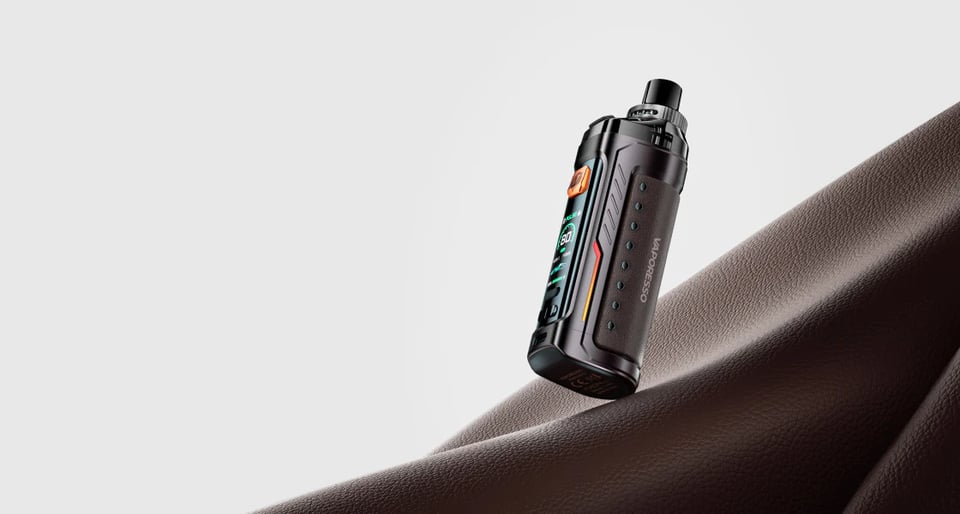
Armour G
A compact sub-ohm pod kit with a 3000mAh built-in battery, 5-80W output, and GTX coil compatibility, suited to DTL and RDL vapers who want a…
Guide & manual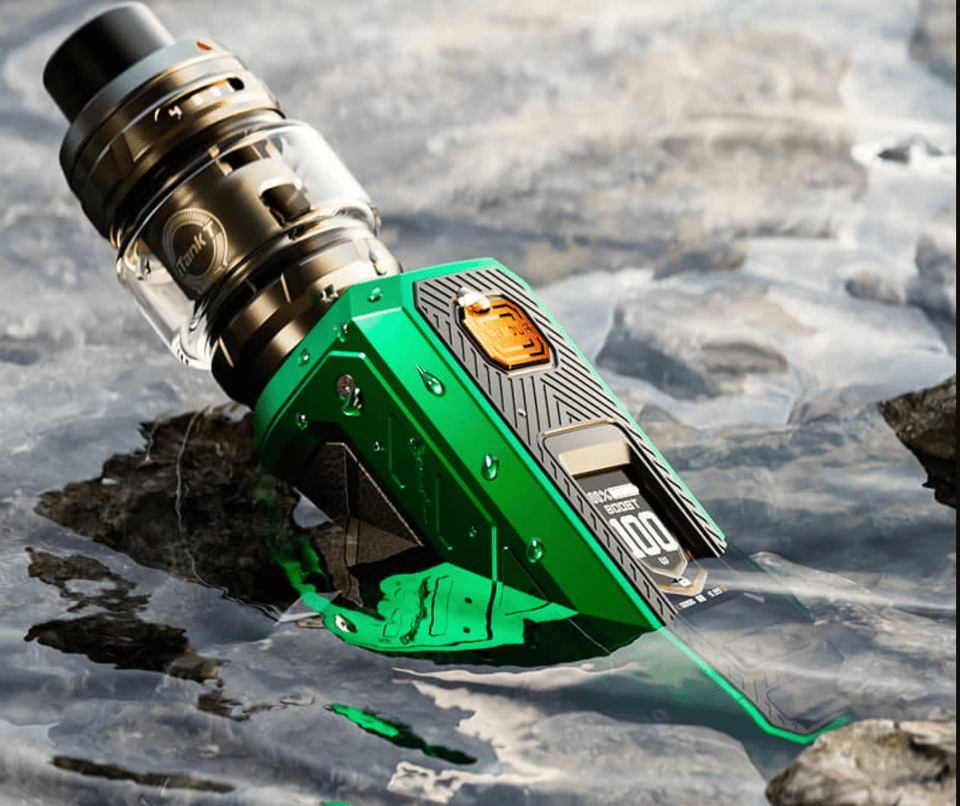
Armour Ultra
A 100W DTL sub-ohm kit built around a huge 5500mAh integrated battery, designed for experienced direct-lung vapers who want serious all-day…
Guide & manual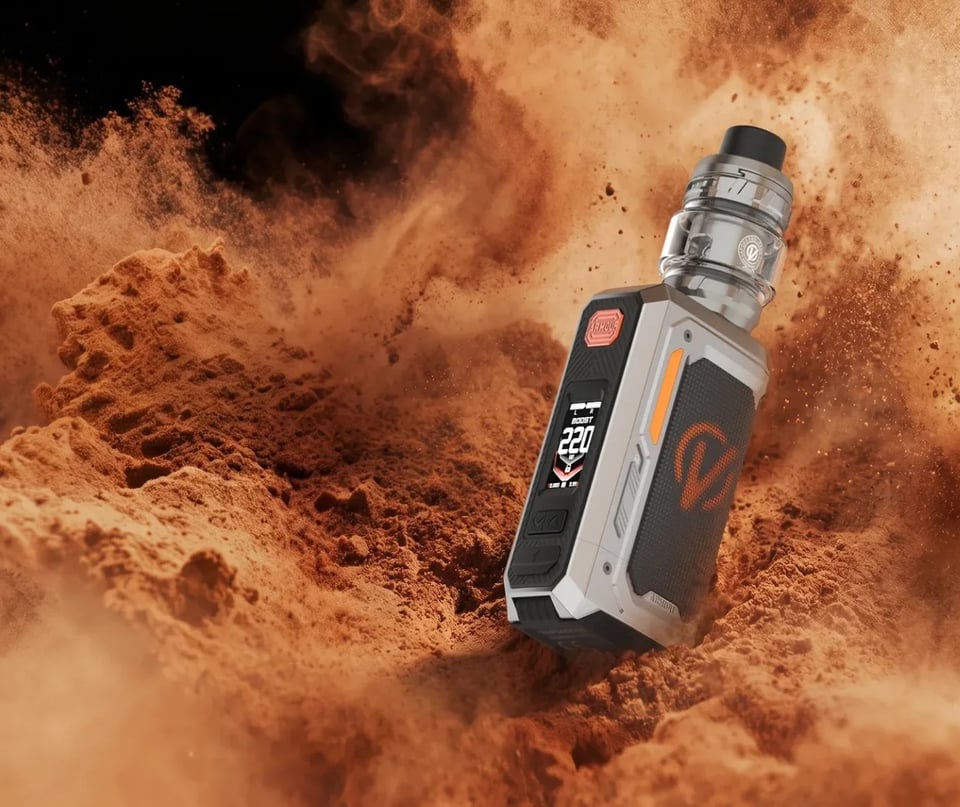
Vaporesso Armour OCTA
A dual 18650 box mod built for serious DTL vapers who want up to 220W output, rugged military-grade protection, and the freedom of replaceab…
Guide & manualDojo Blast series
Luxe series
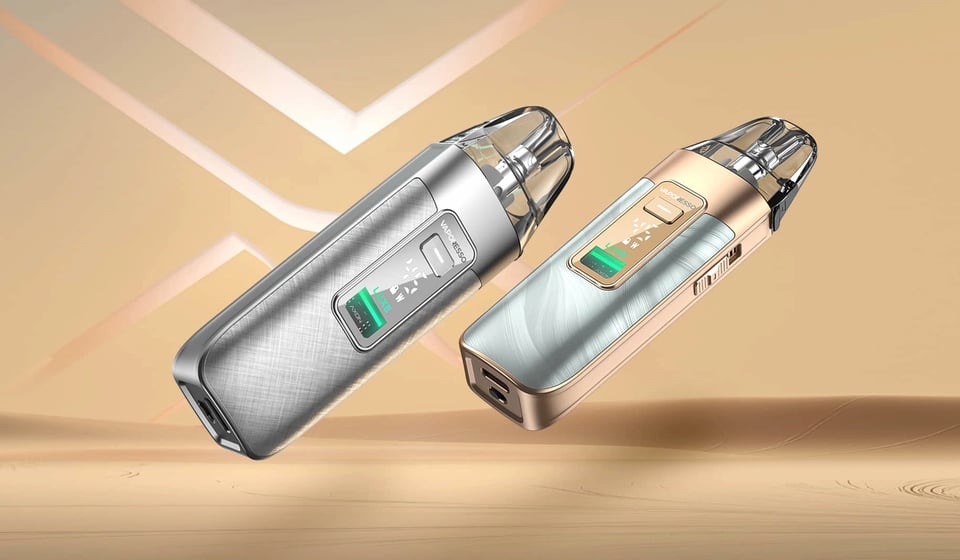
Luxe X3
A 45W regulated pod kit with a 2600mAh internal battery, suited to vapers who want adjustable power, broad coil compatibility, and something…
Guide & manual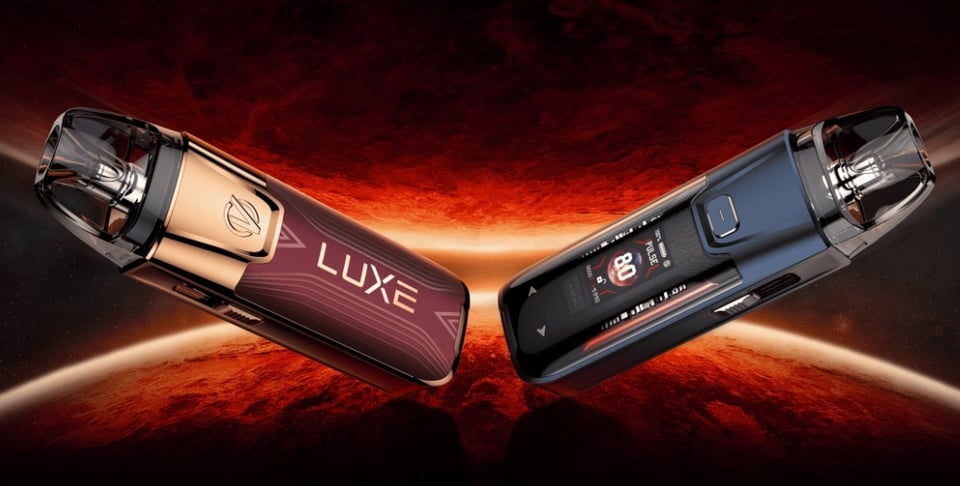
Luxe XR Max 2
An 80W pod kit built for MTL through to DTL vaping, with a 3200mAh battery and the AXON chipset making it one of the most versatile refillab…
Guide & manualVibe series
XROS series
XROS 5
The Vaporesso XROS 5 is a refillable pod kit built for everyday vapers who want adjustable power, fast charging, and proper flavour from a p…
Guide & manual XROS 5 Mini
A compact, auto-draw pod kit built for MTL and restricted DTL vaping, suited to nic salt users who want strong battery life and XROS pod com…
Guide & manual XROS 5 Nano
A compact, touchscreen pod kit built around COREX 3.0 mesh pods, a 1600mAh battery, and adjustable airflow, suited to MTL and restricted DTL…
Guide & manual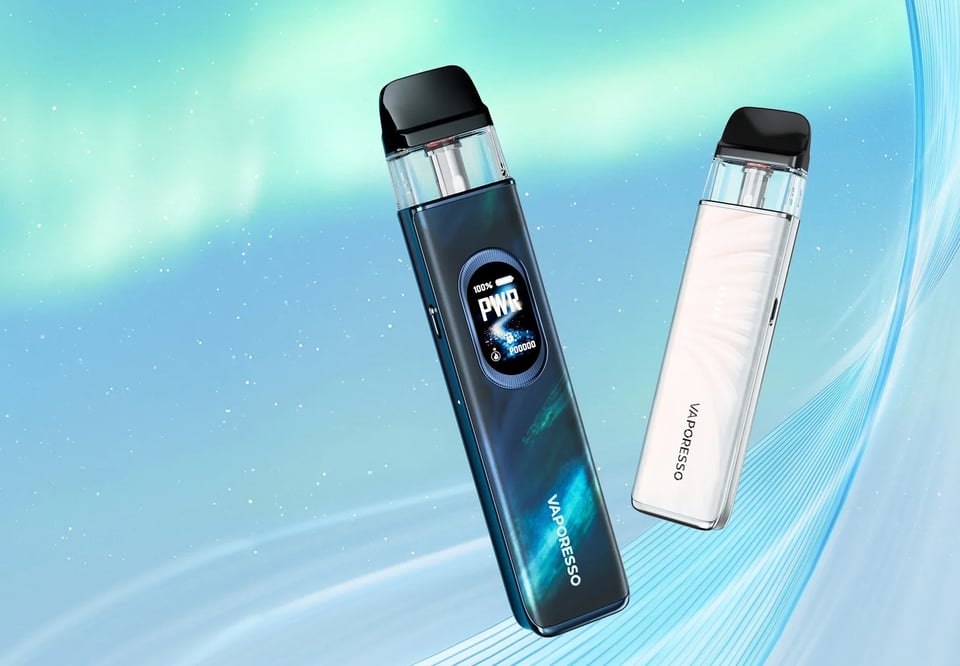
XROS 6
The XROS 6 is Vaporesso's most capable pod kit to date, built around a large 1800mAh battery with a colour screen, three power modes, and a…
Guide & manual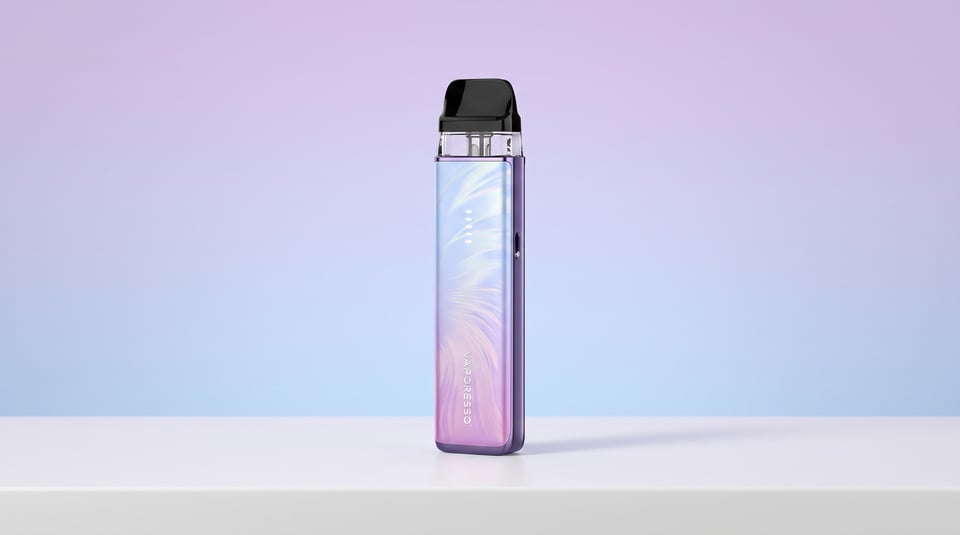
XROS 6 Mini
The XROS 6 Mini is a compact, buttonless pod kit built for straightforward MTL vaping, suiting switchers and everyday vapers who want reliab…
Guide & manual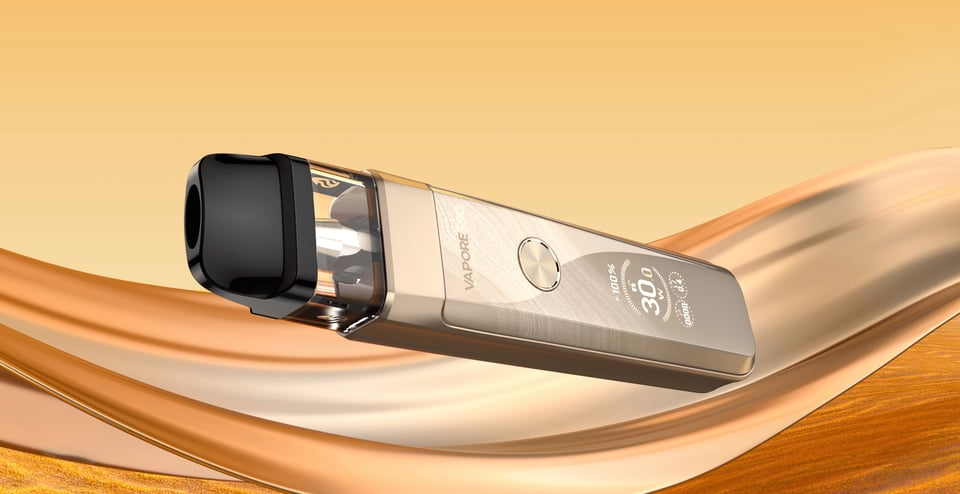
XROS Pro 2
The XROS Pro 2 is Vaporesso's flagship pod kit, built for all-day vapers who want a 2000mAh battery, adjustable wattage up to 30W, and COREX…
Guide & manualVaporesso comparisons
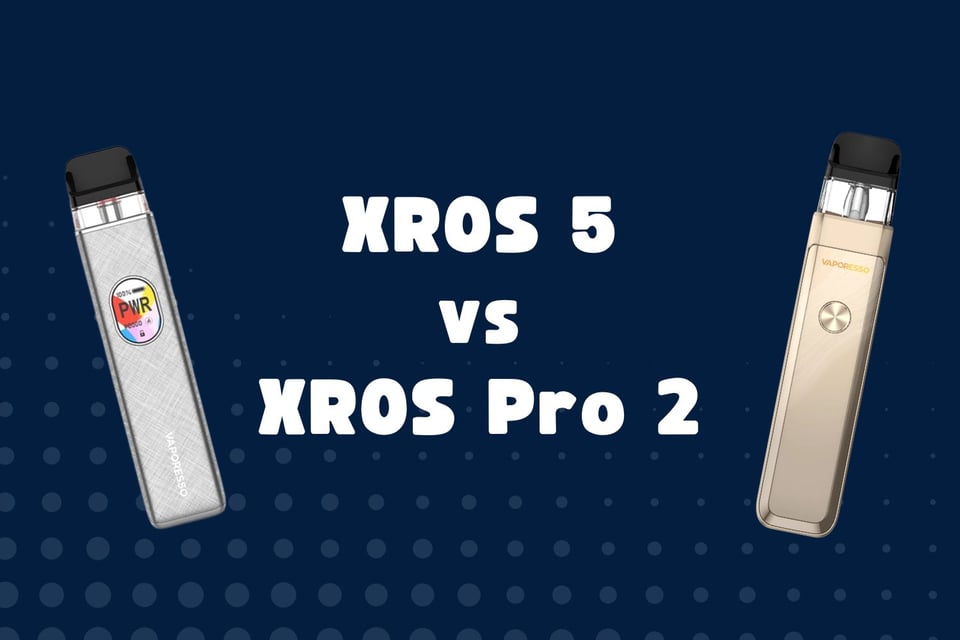
Head-to-head matchups featuring Vaporesso devices.
Common Vaporesso fixes
26 documented fixes across Vaporesso devices.
- Luxe X3: LED lights are flashing The LED lights on your device are flashing and it is not clear why. The device may have stopped producing vapour or is behaving unexpectedly.
- Vibe SE 2: Battery-colour light flashes 5 times and device stops working The battery-level indicator light flashes 5 times and the device cuts out immediately when you try to fire it. This is the device reporting a no-load or high-resistance condition at the pod contacts.
- Vibe SE 2: Device stops working and LED cycles green–blue–red The device cuts out mid-puff and the LED flashes green, blue then red in sequence. This happens when a draw or button press has lasted 8 seconds or longer.
- Vibe SE 2: Green light stays on and device stops charging The green LED stays on and the device stops taking a charge. This is the over-charge protection cutting in, not a fault.
- Vibe SE 2: Pod leaking e-liquid E-liquid is escaping from the pod, either around the fill port or from the base where it connects to the battery. This can happen during normal use, after filling, or when travelling.
- Vibe SE 2: Red light flashes 3 times and device stops working The red indicator flashes 3 times and the device cuts out completely. This is the built-in low voltage or over-discharging protection triggering to prevent battery damage.
- Vibe SE 2: Red light flashes 4 times and device stops working The red indicator light flashes 4 times and the device cuts out and stops producing vapour. This is the built-in high-temperature protection activating.
- XROS 5: Burnt taste or dry hits Every puff tastes harsh, burnt or acrid, or the vapour feels dry and scratchy rather than smooth. This usually means the coil is not getting enough e-liquid before or during firing.