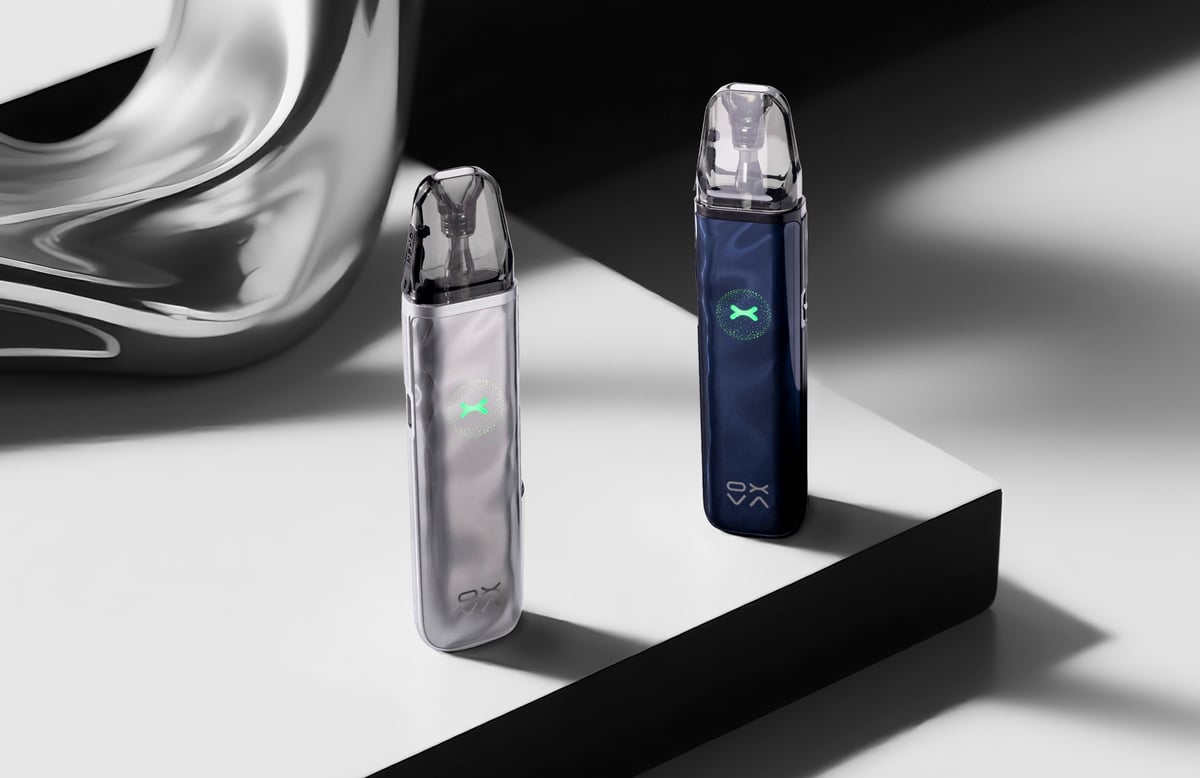
Xlim Go 2
 Written by Vape & E-Liquid Team
 Last updated
A draw-activated pod kit built for simplicity, the Xlim Go 2 suits beginners and daily vapers who want reliable flavour and an all-day battery without any buttons or settings to fiddle with.
Buy this device
Xlim Go 2
£9.99 Out of stock 8 options
Free next-day delivery over £35. Order by 4pm, seven days a week.
Shop these too
Consumables and accessories that fit the Xlim Go 2.
Set up guide & tips
What's in the box
You get the Xlim Go 2 device, one 0.8ohm XLIM Top Fill Cartridge (2ml in the UK), and a user manual. No spare coil is included, so it is worth having a replacement pod or two to hand before your first fills run low.
Filling the pod
The Xlim Go 2 uses a top-fill system. Open the fill port on the top of the pod, angle your bottle nozzle to the side of the fill hole rather than dead-centre, and fill slowly to avoid introducing air bubbles. Stop just below the max-fill line. Close the fill port firmly as soon as you are done to keep things leak-free.
After filling, wait at least 5 to 8 minutes before vaping. This is not optional advice. Skipping the prime time is the single most common cause of a harsh, burnt first draw on a new pod. The five-layer cotton inside the Unitech 2.0 pod needs time to saturate fully before heat is applied.
Priming a new pod
If it is a brand-new pod rather than a refill, give it a couple of gentle dry pulls without activating the draw sensor before you take your first real vape. This helps wick the e-liquid through without wasting battery.
Which e-liquid to use
The Xlim Go 2 ships with a 0.8ohm coil. At that resistance the device is running in restricted direct lung territory, which means it works well with 50/50 or up to 70VG e-liquids.
- Nic salts (10mg or 20mg): the go-to choice here. Smoother throat hit at higher nicotine strengths, suits the tighter-to-medium airflow this kit delivers.
- Freebase nicotine (3mg to 6mg): works fine if you prefer a lighter nicotine hit and a slightly airier draw.
- Avoid max-VG shortfills in this pod. High-VG juice is too thick for the wick to pull through quickly and will shorten coil life.
The airflow slider on the side lets you move between a tighter mouth-to-lung draw and a more open restricted direct lung pull, so dial that in to match your e-liquid choice.
Charging
Charge via the USB-C port at 5V/2A. The 1000mAh built-in battery charges to around 80% in 30 minutes. Do not use a fast charger that exceeds 2A output, as this can stress the cell over repeated cycles.
UK pod capacity note
In the UK, the included pod holds 2ml in line with TPD regulations. Non-UK versions of the pod carry 3ml. The device itself is identical, only the pod capacity differs.
Specifications
| Specification | Value |
|---|---|
| Size | 101 x 26.4 x 15.2mm |
| Capacity | 2mL |
| Output Power | Max 30W |
| Battery Type | Built-in 1000mAh |
| Charging | Type-C 5V/2A |
| Resistance Range | 1.0-3.0Ω |
Compare the Xlim Go 2 with…
Specs side by side, live prices and a plain answer on which one suits you.
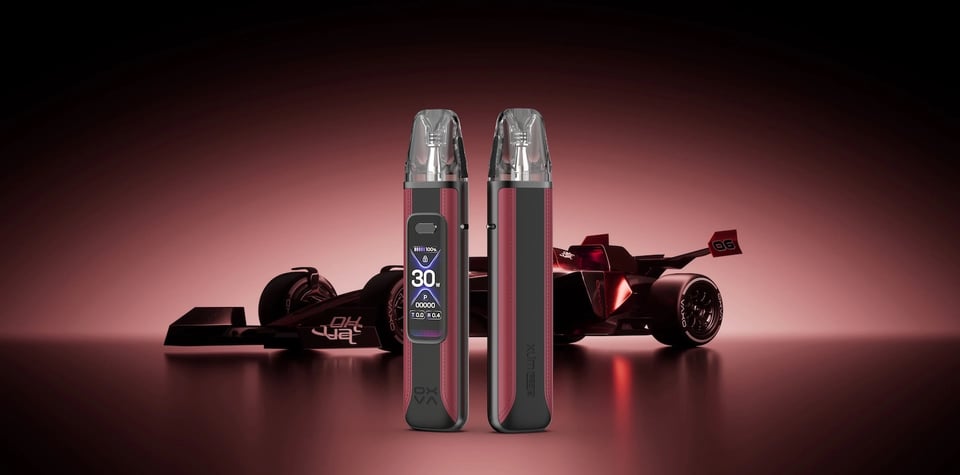
OXVA
Xlim Go 2 vs Xlim Pro 3
Compare side by side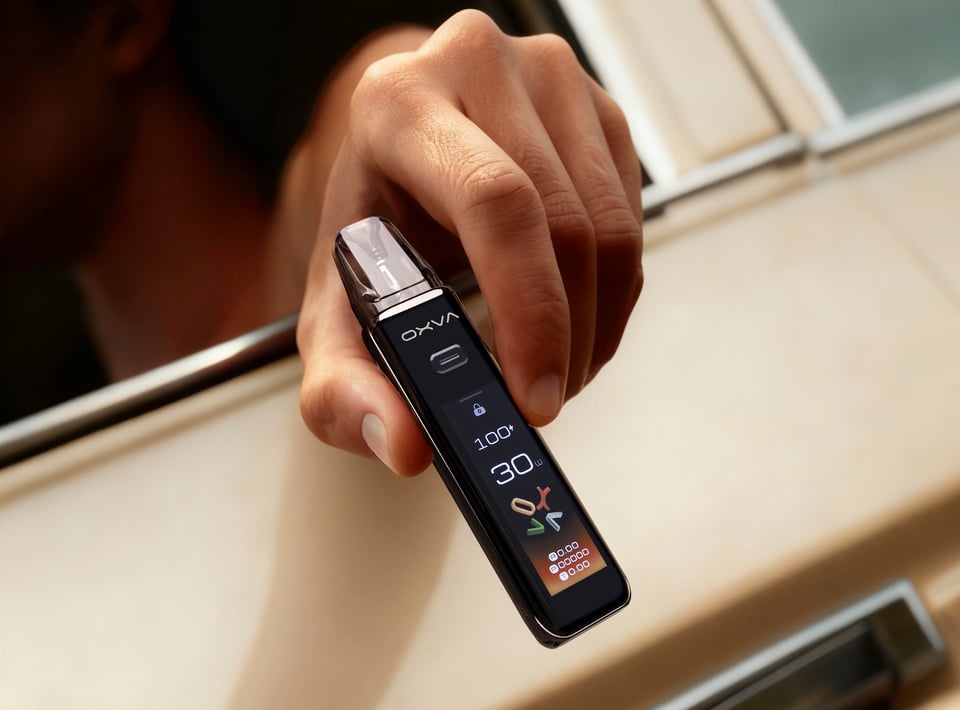
OXVA
Xlim Go 2 vs Xlim 3 Ultra
Compare side by side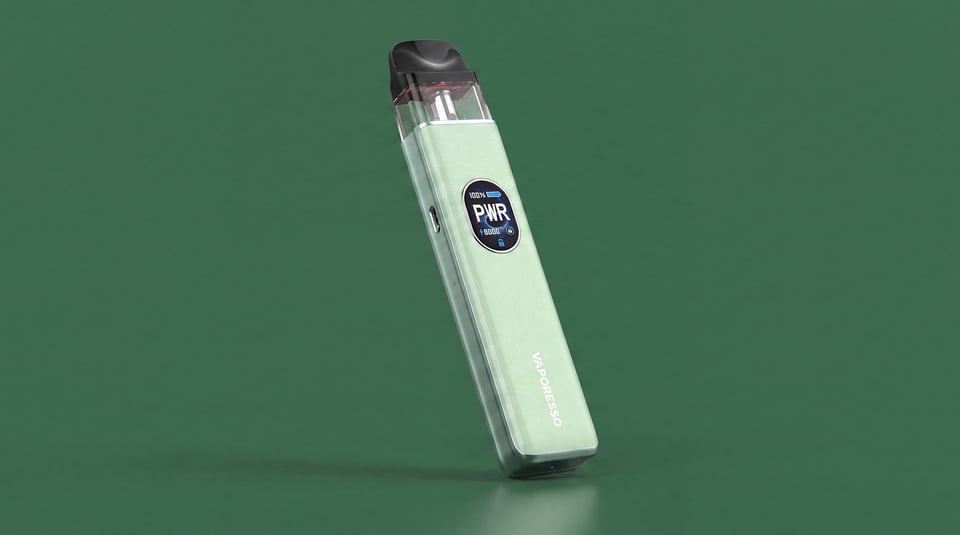
Vaporesso
Xlim Go 2 vs XROS 5
Compare side by sideUser manual
Open the official Xlim Go 2 manual (PDF) in a new tab.
Download the manualTroubleshooting
- Device not detecting the pod or showing no atomiser The device shows a no atomiser error or fails to detect the pod at all, even when the pod is seated. It will not fire or produce any vapour.
- Red light flashes 3 times The LED flashes red three times when you try to vape or press the fire button. The device may stop producing vapour or cut out shortly after.
Frequently asked questions
What coils are compatible with the OXVA Xlim Go 2?
The Xlim Go 2 accepts the full range of XLIM series pods, including 0.4ohm, 0.6ohm, 0.8ohm and 1.2ohm options. The kit ships with a 0.8ohm pod. Lower-resistance pods suit a more open draw; the 1.2ohm is the tightest and best for a true mouth-to-lung vape.
Why does my Xlim Go 2 taste burnt?
Almost always this comes down to not waiting long enough after filling. OXVA recommends 5 to 8 minutes before your first draw. If the burnt taste appears mid-pod, your e-liquid may have run too low. The coil can also be at end of life if you have had the pod for a while.
How long does the battery last on the Xlim Go 2?
Battery capacity is 1000mAh. Real-world life depends on how heavily you vape and which coil you are using, but it comfortably covers a full day for most users. Charging takes under an hour from flat via USB-C at 5V/2A.
What do the LED light colours mean on the Xlim Go 2?
The indicator uses blue to show normal battery levels and switches to red as the battery drops below 25%. A red light flashing three times and stopping means the battery is low and needs charging. Five red flashes indicate a short circuit, which usually means a pod seating issue, so remove and reseat the pod before trying again.
Which colours does the Xlim Go 2 come in?
Eight finishes are available: Metal Silver, Metal Blue, Blue Ripple, Green Ripple, Pink Ripple, Light Brown Shadow, Black Shadow, and Black Carbon. The Metal Blue and ripple finishes have a textured, layered look; the Shadow and Carbon options sit at the more understated end.
Is the Xlim Go 2 suitable for someone switching from cigarettes?
Yes. The draw-activated, no-button design removes all the setup that puts beginners off. Pair the 0.8ohm or 1.2ohm pod with a 20mg nic salt and a tight airflow setting for a draw that feels familiar to a cigarette without the harshness of high-strength freebase.
More from OXVA
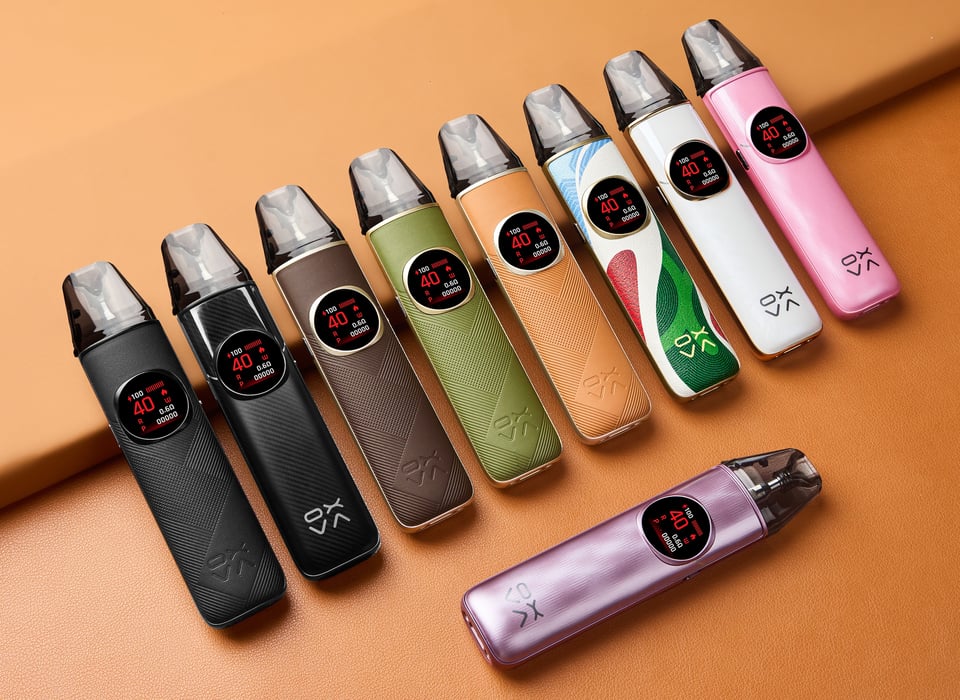
Device guide
NeXLIM 2
Setup guide & manual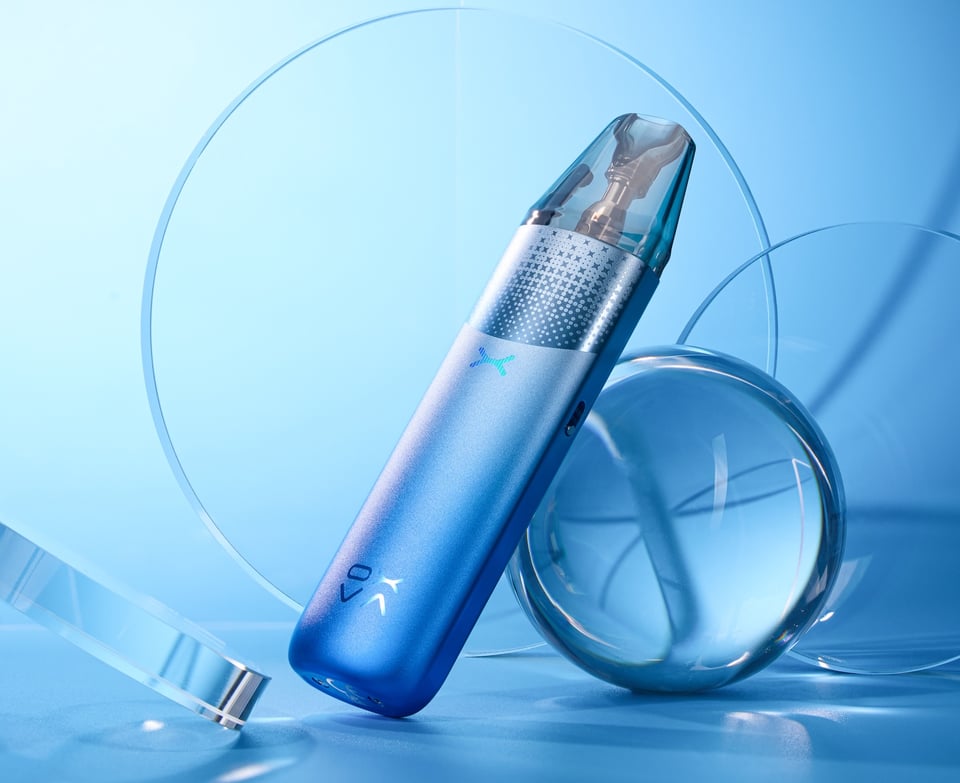
Device guide
NeXLIM 2 Mini
Setup guide & manual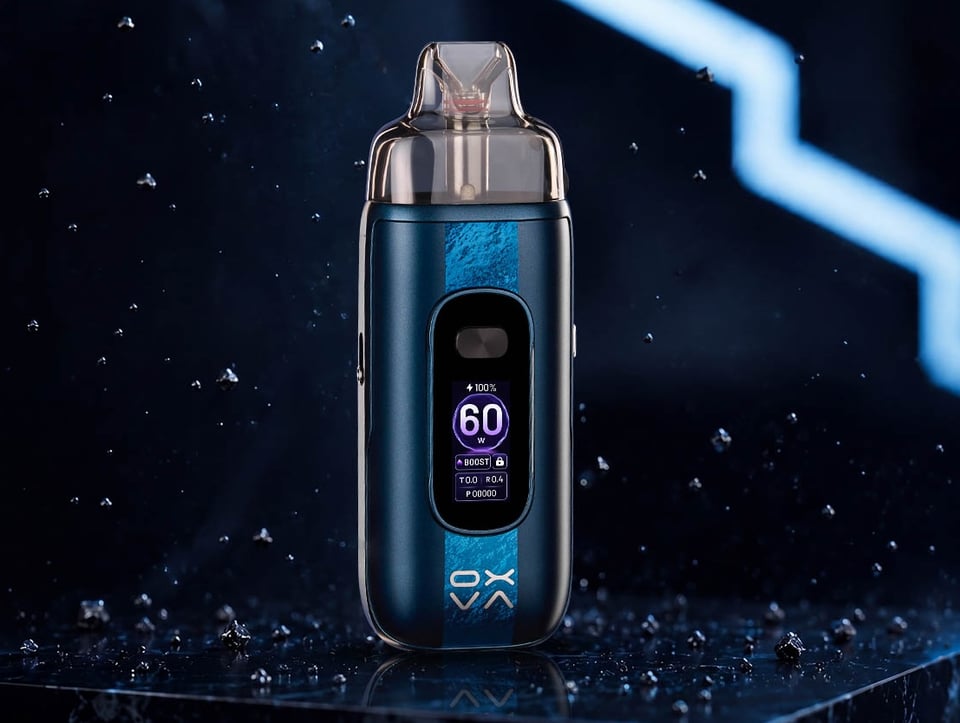
Device guide
OXVA VPrime 2
Setup guide & manual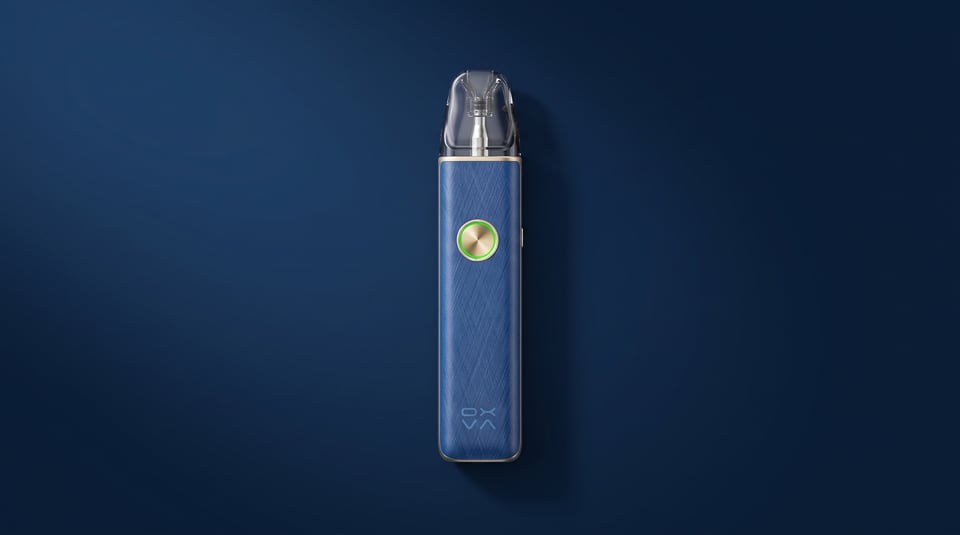
Device guide
OXVA XLIM 4
Setup guide & manual
Device guide
VPrime Pod Kit
Setup guide & manual Device guide